 English
 Bahasa Indonesia
 Bahasa Melayu
 Cebuano
 Dansk
Dansk Deutsch
 Español
 Français
 Italiano
 Nederlands
 Română
 Tiếng Việt
 Türkçe
 Czech
Czech Ślōnskŏ gŏdka
 Татар теле
 Ukrainian
 العربية
 Thai
Thai Portugues
 Hindi
Hindi Greek
Greek Chinese
 Japanese
 Magyar
What Is Audio Bitrate? (128kbps vs 320kbps Explained)
Hey, I’m Peter, a developer who spends a lot of time working with audio files and streaming platforms. One term that kept coming up in my work was audio bitrate. You’ve probably seen options like 128 kbps or 320 kbps while exporting music or streaming tracks. Bitrate simply refers to how much audio data is processed every second, and it plays a major role in both sound quality and file size.
As I tested different settings and streamed music on platforms like SoundCloud, I began noticing clear differences in clarity, detail, and data usage. Higher bitrates often sound fuller, while lower ones save storage and bandwidth. In this guide, I’ll break down what audio bitrate really means, how 128 kbps compares to 320 kbps, and how to choose the right option depending on how you listen to or upload audio.
What Is Audio Bitrate?
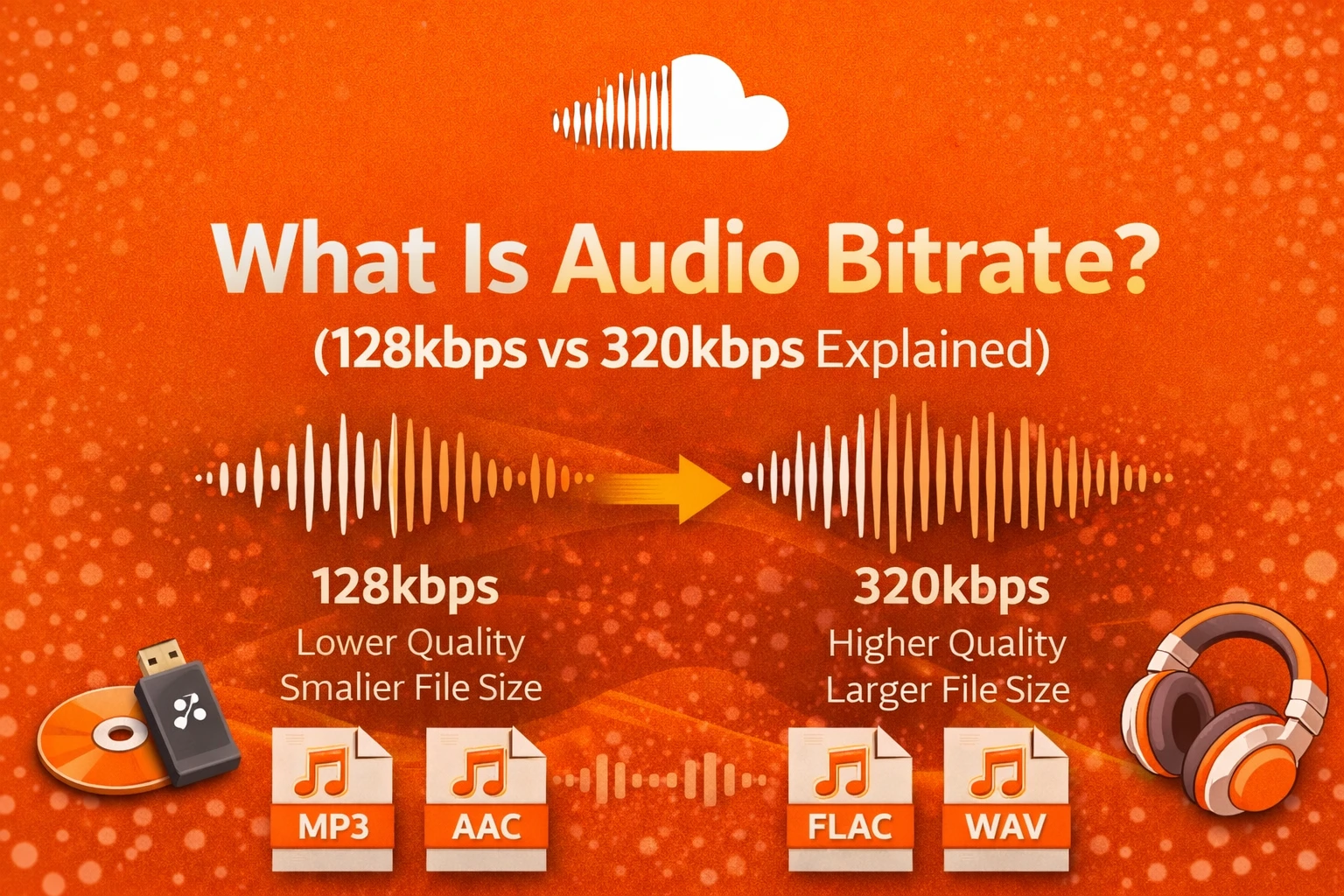
I understand audio bitrate as the amount of sound information stored every second. The number shows how much data is used to represent the audio. A higher audio bitrate keeps more sound details.
For example, when I compare a 128kbps file with a 320kbps file, the 320kbps version contains more audio data. This usually makes vocals clearer and instruments more detailed. That extra data often creates a fuller listening experience.
Why Audio Bitrate Matters
In my experience, audio bitrate affects three key things. It changes sound clarity, storage space, and data usage.
When I stream using mobile data, I sometimes choose a lower bitrate to save data. When I want better sound, I choose a higher bitrate. If I upload music, I always start with high-quality audio to keep the final result clean.
How Audio Bitrate Works
From my experience, audio files are compressed to make them smaller. During compression, some sound information is removed. Audio bitrate controls how much information stays and how much is reduced.
At 128kbps, more sound details are removed to save space. At 320kbps, fewer details are removed. I have found that this difference becomes noticeable on better headphones or speakers. Streaming platforms compress audio further to ensure smooth playback.
128kbps vs 320kbps: What’s the Real Difference?
When I compare 128kbps vs 320kbps, I focus on clarity and file size. At 128kbps, the sound can feel flat on high-quality equipment. At 320kbps, music usually sounds richer and more detailed.
Here is a simple comparison I use:
| Feature | 128kbps | 320kbps |
| Sound Quality | Basic | High |
| File Size | Small | Larger |
| Data Usage | Low | Higher |
| Best For | Casual listening | Music lovers |
In my testing, the difference is small on basic earphones. On studio headphones, 320kbps often sounds clearly better.
Understanding the Numbers
When I calculate file size, I use this simple formula:
File size (MB) = (bitrate × duration in seconds) ÷ 8 ÷ 1024
For a 4-minute song, which is 240 seconds:
- 128kbps ≈ about 3.75 MB
- 320kbps ≈ about 9.38 MB
This shows me that 320kbps uses more than double the data of 128kbps.
Key Definitions
Compression: Reducing file size by removing some sound data.
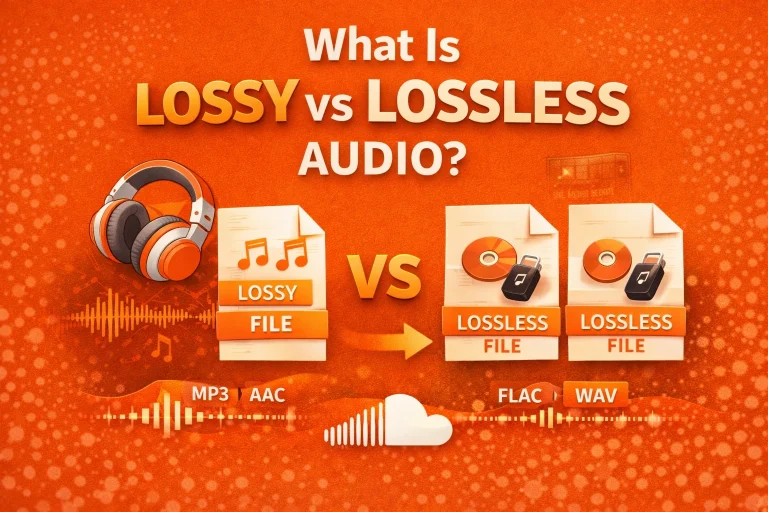
Lossy format: A format like MP3 that removes some audio information.
Constant Bitrate (CBR): Same bitrate throughout the file.
Variable Bitrate (VBR): Bitrate changes based on sound complexity.
I always remind people that a higher bitrate does not fix a poor recording. The original audio quality still matters most.
Audio Bitrate Comparison: 128kbps vs 320kbps vs Lossless
To fully understand audio bitrate, I also compare it with lossless audio formats. Lossless audio keeps all original sound data and does not remove details during compression.
Here is the comparison I usually explain:
| Format | Bitrate | Audio Type | Sound Quality | File Size |
| 128kbps MP3 | 128kbps | Lossy | Basic | Small |
| 320kbps MP3 | 320kbps | Lossy | High | Medium |
| CD Quality Audio | 1411kbps | Uncompressed | Very High | Large |
| FLAC | 700–1100kbps | Lossless | Very High | Large |
CD-quality audio runs at about 1411kbps. That is more than four times higher than 320kbps. This shows me how much compression reduces file size while trying to preserve quality. If you want to understand how bitrate works inside the format itself, read my guide on how MP3 works.
Common Problems with Low Audio Bitrate
I have noticed that a low audio bitrate can reduce sound detail. High notes may sound rough. Bass can feel weaker.
Many people blame their headphones. In reality, the problem is often heavy compression from low-bitrate encoding.
Pros and Cons of Higher Bitrate
From what I have tested, higher audio bitrate improves clarity and depth. Vocals sound cleaner, and instruments feel more natural. The listening experience becomes more immersive.
However, higher bitrate files are larger. They use more storage and more internet data. On slower connections, streaming may buffer more often.
How Human Hearing Affects Bitrate Quality
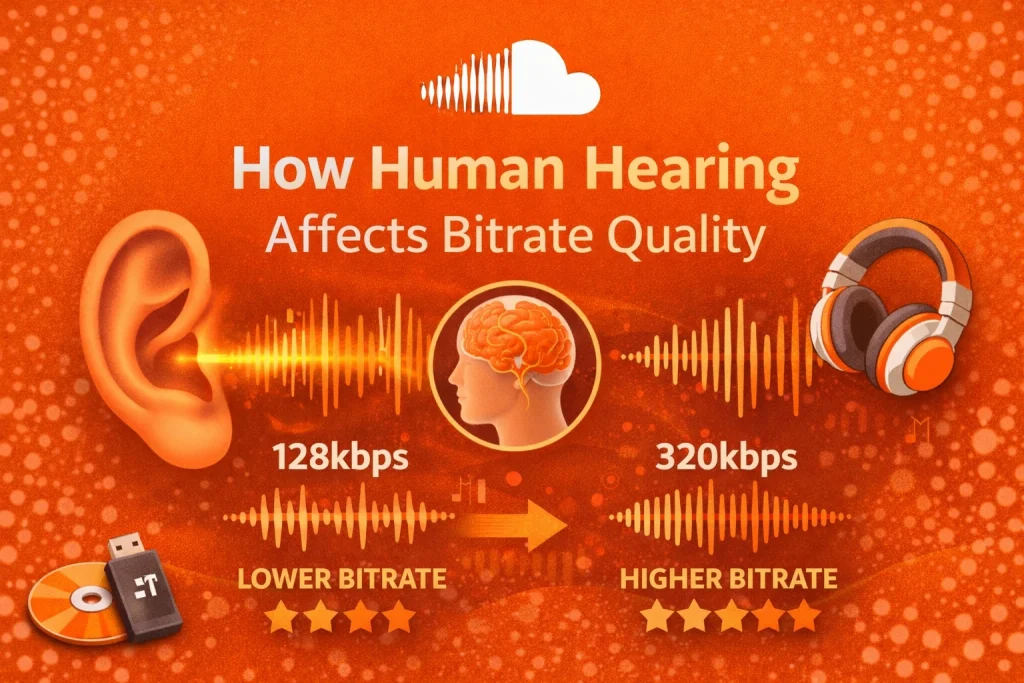
I always remember that humans hear between 20Hz and 20,000Hz. Audio compression removes sounds that are harder for the ear to notice. This method is called psychoacoustic compression.
At 128kbps, more subtle details are removed. At 320kbps, fewer details are removed, so the sound feels richer. I have found that trained listeners often hear this difference more clearly.
How Streaming Platforms Handle Bitrate
From my observation, streaming platforms adjust audio quality based on internet speed. This is called adaptive bitrate streaming. It helps prevent buffering.
If my connection is slow, the platform lowers the bitrate automatically. With a strong connection, higher audio bitrate streams smoothly. This is especially important when I listen on mobile data.
Final Analysis
Based on my experience, audio bitrate controls how much sound detail is stored each second. The difference between 128kbps and 320kbps mainly affects clarity, file size, and data usage.
For casual streaming on mobile data, I sometimes use 128kbps. For richer sound and better listening quality, I prefer 320kbps. If I upload or stream music on platforms like SoundCloud, I always start with high-quality audio to ensure the best final result. Bitrate selection directly impacts the ideal format for streaming platforms.
Frequently Asked Questions (FAQs)
Is a higher audio bitrate safe for devices?
Yes. In my experience, higher audio bitrate files are safe for phones, tablets, and computers. They only use more storage and internet data.
Is choosing between 128kbps and 320kbps legal?
Yes. Selecting an audio bitrate is simply choosing a quality level. It does not break any rules.
Does 320kbps work on mobile phones?
Yes. I have tested 320kbps on modern smartphones without issues. The only concern is higher mobile data usage.
Why does audio still sound bad at 320kbps?
If the original recording is low quality, bitrate cannot restore missing details. I have seen this happen many times.
What are alternatives to MP3 bitrate formats?
AAC and FLAC are common alternatives. I use FLAC when I want full quality, but the file size is much larger.
Is 128kbps good enough for casual listening?
Yes. For everyday listening on simple earphones, I find 128kbps acceptable.
Does a higher bitrate drain the battery faster?
From my testing, the difference is minimal. Internet streaming usually affects the battery more than the bitrate itself.