
How to Download Your Own SoundCloud Tracks
I always make sure I keep a copy of my own tracks. I have learned that having access to my uploaded files saves me time and stress later. Whether I need a backup, want to edit a track again, or share it with a client, downloading my own SoundCloud tracks gives me control.
If you are an artist, producer, or podcaster, this process will help you stay prepared. Everything I share follows platform rules and safe publishing practices.
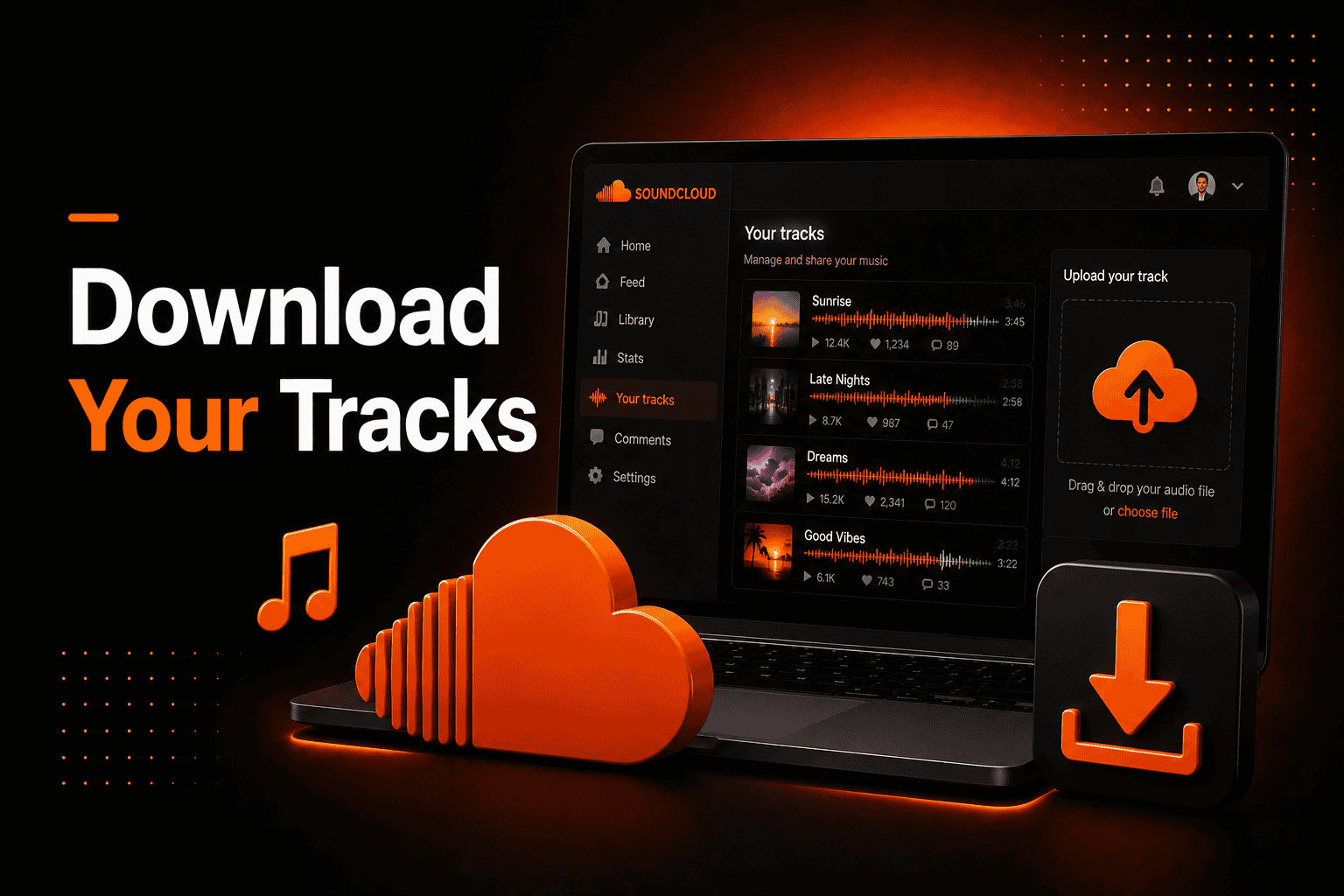
When I want to download my own SoundCloud track, I log in on desktop, open the track from my profile, click “More,” and choose “Download file” if downloads are enabled in the settings.
Why It Matters
I have learned that downloading my own tracks gives me peace of mind. It works as a backup in case my local files are lost. This has saved me more than once.
It also helps when I need to export my SoundCloud file for mastering or client work. Instead of opening an old project, I can quickly access what I uploaded. That keeps my workflow simple and efficient.
For me, managing my files properly is part of being serious about my music.
How It Works
From my experience, SoundCloud keeps every uploaded track connected to my account. If I allow downloads, a download option appears below the track page. That makes the process very direct.
Here is how I normally do it:
- I log in to my SoundCloud account.
- I open my profile and select the track.
- I click the “More” button.
- I choose “Download file” if it is available.
If I do not see the option, I check the track permissions. Most of the time, downloads were simply disabled in the settings. In some situations, downloads are restricted, which I explain in my guide on why downloads are not available on SoundCloud.
File Formats and Quality
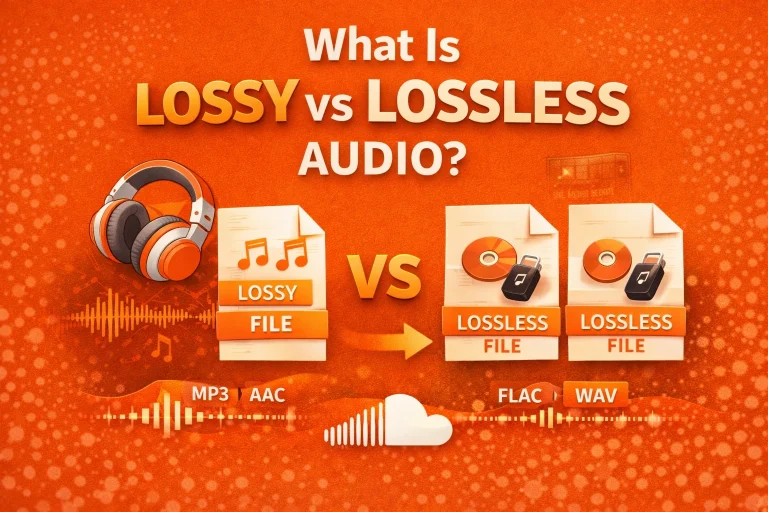
In my workflow, I prefer WAV or FLAC because they keep full audio detail. SoundCloud supports WAV, AIFF, FLAC, ALAC, and MP3 formats.
Even though streaming is compressed, the file I download usually matches what I originally uploaded. That is why I always start with a high-quality master. Choosing the best audio format for streaming also affects upload and playback quality
Upload Limits and Account Types
When I used a free account, I had a total upload limit of 180 minutes. After upgrading to a Pro plan, I no longer had upload time limits.
Knowing these limits helps me plan my releases. If I reach the limit, I download older tracks before removing them from my profile.
Streaming Quality Tiers
| ccount Type | Streaming Quality |
|---|
| Free Users | Up to 128 kbps AAC |
| SoundCloud Go | Up to 256 kbps AAC |
| SoundCloud Go+ | Up to 256 kbps AA |
From what I have seen, the download quality depends on the original upload. If I upload a WAV file, I can download that same WAV file later.
Comparison Table
| Format | File Size | Audio Quality | Recommended Use |
|---|---|---|---|
| WAV | Large | Very High | Professional uploads |
| FLAC | Medium | Very High | Lossless compression |
| MP3 (320 kbps) | Small | High | General use |
| MP3 (128 kbps) | Smaller | Medium | Basic sharing |
Essential Concepts
Streaming: Playing audio online without permanently saving it.
Lossless: A format that keeps all original sound data.
Bitrate: The amount of data processed per second in audio playback.
Understanding these terms has helped me make better upload decisions.
Common Problems
Sometimes I log in and do not see the download option. In most cases, it is because I forgot to enable downloads in the track settings. That is usually an easy fix. If you cannot see the download option, it may be related to the issue explained in SoundCloud download button not showing.
Other times, the issue is browser-related. Clearing the cache or switching browsers has helped me solve login errors. I have also noticed that the mobile app does not always show full download controls.
When that happens, I switch to a desktop browser.
Pros and Cons
From my experience, there are clear advantages and a few small limits.
Pros:
- I always have a backup copy
- I can quickly access my uploaded audio
Cons:
- Downloads must be enabled first
- The mobile app has limited control
Overall, I find the benefits much stronger than the drawbacks.
Best Practice Guidelines
I always enable downloads for tracks I might need later. It takes a few seconds but saves time in the future. I also upload high-quality formats like WAV or FLAC whenever possible.
I understand that SoundCloud compresses audio for streaming. Free listeners usually stream up to 128 kbps AAC, while SoundCloud Go and Go+ stream at higher quality, up to 256 kbps AAC. Because of this, I avoid uploading low-quality MP3 files.
Uploading better source files helps me recover uploaded music later without quality loss.
Conclusion
Downloading my own SoundCloud tracks has become part of my routine. It protects my work and keeps my workflow organized. Over time, I realized that small setup steps make a big difference.
By uploading high-quality files and enabling downloads, I make sure my music is always accessible. For me, responsible file management is not optional. It is part of building a long-term creative career on SoundCloud.
Frequently Asked Questions
1. Is it safe to download my own SoundCloud tracks?
In my experience, yes. As long as I use my official account and the main website, it is safe. I avoid third-party tools.
2. Is it allowed to download my own tracks?
Yes. I only download tracks that I uploaded and control. I always follow the platform’s account rules.
3. Does it work on mobile?
Sometimes. I have noticed that the mobile app does not always show full options. When I need full control, I use a desktop browser.
4. Why does the download option not appear?
Most of the time, I forgot to enable downloads in track settings. Other times, it was a browser or login issue.
5. Can I download in the same quality I uploaded?
Yes. If I upload a high-quality file and enable downloads, I receive that original file version.
6. What are the alternatives if the download fails?
When I face issues, I:
- Check track permissions in settings
- Switch to a desktop browser
If the file is no longer available, I restore it from my personal backup.
7. Can I download multiple tracks at once?
From my experience, there is no built-in bulk download feature for regular accounts. I download tracks one by one.
Because of this, I keep organized local backups. That way, I am never fully dependent on platform access.