 English
 Bahasa Indonesia
 Bahasa Melayu
 Cebuano
 Dansk
Dansk Deutsch
 Español
 Français
 Italiano
 Nederlands
 Română
 Tiếng Việt
 Türkçe
 Czech
Czech Ślōnskŏ gŏdka
 Татар теле
 Ukrainian
 العربية
 Thai
Thai Portugues
 Hindi
Hindi Greek
Greek Chinese
 Japanese
 Magyar
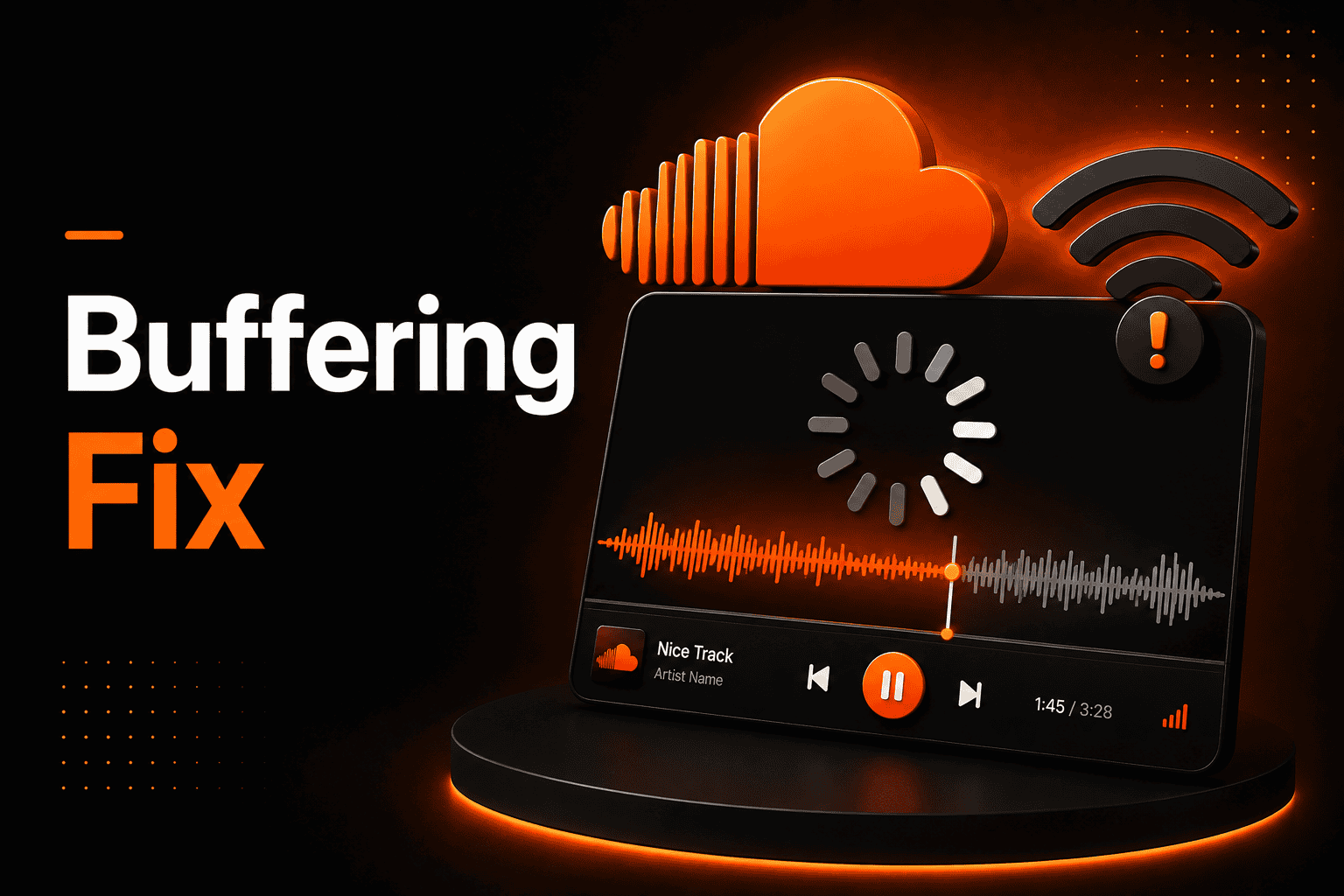
SoundCloud Keeps Buffering? Fix It Fast
When SoundCloud keeps buffering, it completely breaks my listening flow. A song pauses, the loading icon spins, and the mood disappears. I have faced this problem on both desktop and mobile devices. It usually happens when I stream over unstable Wi-Fi or weak mobile data.
I am sharing what I have learned from testing connections, adjusting settings, and improving streaming stability. If you upload tracks or listen daily as I do, understanding this issue saves time and frustration. I will walk you through both basic and advanced solutions in clear and simple language.
What Is SoundCloud Buffering?
When SoundCloud keeps buffering, it means audio data is loading slower than it is playing. SoundCloud does not download the full track at once. Instead, it streams small pieces of audio continuously.
From my experience, buffering is simply a delay between loading and playback. The app waits until enough data is stored in temporary memory. This temporary storage is called a buffer.
Even though SoundCloud uses compressed audio files, a stable connection is still required. Compression reduces size, but it does not remove the need for steady speed.
Why SoundCloud Keeps Buffering
In my experience, the most common reason is unstable internet. Even small speed drops can interrupt streaming. Weak Wi-Fi signals or crowded networks increase the risk.
Device performance also matters. If I keep too many browser tabs open, my system slows down. Background apps can also consume bandwidth without me noticing.
Sometimes, peak usage hours affect performance. When many users stream at once, response time can increase slightly.
Common Problems That Cause Buffering
Here are the most frequent causes I have observed:
- Slow internet speed or unstable Wi-Fi
- Outdated browser or SoundCloud app
On mobile devices, limited data speed or weak signals often cause interruptions. On a desktop, browser extensions sometimes interfere with streaming. Background downloads can quietly reduce available bandwidth.
Clearing cache files has helped me many times. Restarting my router often refreshes the connection. Severe buffering may also lead to SoundCloud not playing tracks completely.
Advanced Causes of SoundCloud Buffering
There were times when SoundCloud kept buffering even though my speed test looked fine. That is when I learned about deeper network issues.
DNS delay can slow down how quickly my device connects to the streaming server. DNS translates website names into IP addresses. If this lookup takes longer than usual, playback can pause.
Packet loss is another hidden cause. When small data packets fail to arrive, even a 2–3% loss can interrupt audio. I have also seen ISP traffic management affect streaming during busy hours.
SoundCloud uses Content Delivery Networks (CDNs). These networks store audio files across multiple servers worldwide. If the nearest server is overloaded, buffering may increase. Device performance can also affect playback. I compared this in the SoundCloud app vs web version guide.
Streaming Performance Metrics
Over time, I realized smooth streaming depends on four key metrics: speed, latency, packet loss, and jitter.
Speed measures how much data my connection downloads per second.
Latency measures the delay between the request and the response.
Packet loss shows how much data fails to reach my device.
Jitter measures inconsistency in packet timing.
Here is the performance range I follow:
| Metric | Ideal Value | Risk Level for Buffering |
| Speed | 2–5 Mbps | Below 1 Mbps |
| Latency | Under 50 ms | Above 100 ms |
| Packet Loss | 0–1% | Above 3% |
| Jitter | Under 30 ms | Above 50 ms |
From my testing, standard 128 kbps streaming uses about 60 MB per hour. Higher 320 kbps quality can use around 140–150 MB per hour. When any metric enters the risk zone, SoundCloud may start buffering. Streaming quality also depends on compression and the best audio format for streaming.
How to Fix SoundCloud Buffering (Step-by-Step)
When SoundCloud keeps buffering, I follow these steps:
Step 1: I test my internet speed and confirm it is above 2 Mbps.
Step 2: I restart my router and modem.
Step 3: I clear the browser cache or app cache.
Step 4: I disable VPN or proxy connections.
Step 5: I update my browser or SoundCloud app.
I also close background apps that use data. When possible, I use a wired Ethernet connection for more stability.
Mobile-Specific Buffering Issues
On Android devices, I have noticed app cache buildup slows streaming. Clearing the app cache often improves playback. Data saver mode can also limit performance.
On iPhone, weak signals increase latency and packet loss. Background app refresh settings may affect stability. I try to keep at least 10–15% free storage to maintain smooth performance.
Switching between Wi-Fi and mobile data helps me identify whether the issue is network-related.
Practical Example
One evening, I was listening to a playlist during peak hours. Many people in my area were online. My Wi-Fi speed dropped slightly.
The track played for a few seconds and then paused. The loading icon appeared again. That was buffering caused by limited bandwidth and increased latency.
Switching to a stronger network fixed the issue quickly.
Expert Tips for Stable Streaming
To reduce buffering, I focus on these actions:
- I place my router in a central location
- I avoid heavy downloads while streaming
I also test my connection at different times of day. If packet loss remains high, I contact my internet provider for assistance.
Wrapping Up
When SoundCloud keeps buffering, I usually find the cause in network stability, latency, or device performance. Even small fluctuations can interrupt streaming. Understanding metrics like packet loss and jitter has helped me diagnose issues more accurately.
By testing speed, clearing cache, updating apps, and improving network conditions, I have reduced playback interruptions significantly. Stable streaming depends on both connection quality and device optimization. With the right adjustments, I enjoy smooth listening on SoundCloud again.
Frequently Asked Questions (FAQs)
1. Is it safe to use SoundCloud for streaming?
From my experience, using the official SoundCloud website or app is generally safe.
2. Is streaming on SoundCloud legal?
Streaming through the official platform is permitted. I always recommend using authorized versions of the app or website.
3. Does SoundCloud buffering happen on mobile devices?
Yes. I have experienced buffering on both Android and iOS devices due to weak signals or unstable data speeds.
4. Why does SoundCloud work on Wi-Fi but not mobile data?
Mobile data often has higher latency or weaker signals. Network congestion varies by location.
5. Why does SoundCloud keep buffering even with fast internet?
In my testing, high latency, packet loss, DNS delays, or VPN routing can interrupt playback even when download speed appears high.
6. How much data does SoundCloud use per hour?
Standard 128 kbps streaming uses about 60 MB per hour. High-quality 320 kbps streaming uses around 140–150 MB per hour.
7. Does a VPN cause SoundCloud buffering?
Yes, sometimes. I have noticed that VPN routing can increase latency and lead to buffering.
8. What are the alternatives if buffering continues?
Other streaming platforms like Spotify and Apple Music also offer online listening. Offline playback within supported apps can reduce interruptions.