
What Is AAC Format? Complete Guide
Hey there! I’m Peter, a developer and music enthusiast who spends a lot of time exploring digital audio formats. When I first started paying attention to how streaming platforms deliver music so efficiently, I kept noticing one format showing up again and again: AAC. AAC stands for Advanced Audio Coding, and it’s designed to provide strong sound quality while keeping file sizes relatively small.
As I worked more with audio files, whether uploading tracks, testing conversions, or streaming on platforms like SoundCloud, I realized AAC plays a bigger role than most people think. It often runs behind the scenes, helping balance quality and bandwidth. Understanding how AAC works has helped me make smarter decisions about exporting audio, choosing formats, and optimizing sound for streaming without sacrificing performance.
What Is AAC Format?
In simple terms, I see AAC format as a compressed audio file type. It removes parts of sound that most people cannot easily hear. This keeps the file size small while maintaining good clarity.
AAC became part of the MPEG standard in 1997 under MPEG-2. Later improvements in MPEG-4 made it even more efficient. From what I have observed, these updates allowed AAC to outperform older formats at similar bit rates.
History of AAC Format
When I looked into its background, I found that AAC was introduced in 1997 as part of MPEG-2. It was later enhanced in MPEG-4 with more advanced coding tools. These upgrades improved both compression efficiency and sound performance.
Over time, AAC became widely used in streaming, broadcasting, and mobile devices. Today, I see it as one of the core audio standards behind modern digital media.
Why AAC Format Matters
For me, AAC matters because streaming depends on efficiency. Smaller files load faster and consume less data. That is why many experts consider it among the best audio formats for mobile devices.
Many platforms convert uploaded tracks into optimized formats for streaming. When I upload audio to SoundCloud, the system processes the file to ensure smooth playback. AAC plays a key role in delivering that stable listening experience.
I also notice that AAC works well across smartphones, tablets, smart TVs, and browsers. That wide compatibility makes it reliable.
Data and Comparison
Key Technical Terms
- Bit rate: The amount of data processed per second, measured in kbps
- Sample rate: The number of audio samples per second, often 44.1 kHz
- Lossy compression: A method that reduces file size by removing some data
File Size Example (4-Minute Song)
| Format | Bit Rate | Approx File Size | Quality Level |
| MP3 | 128 kbps | ~3.8 MB | Good |
| AAC | 128 kbps | ~3.8 MB | Better clarity |
| WAV | 1411 kbps | ~40 MB | Very high |
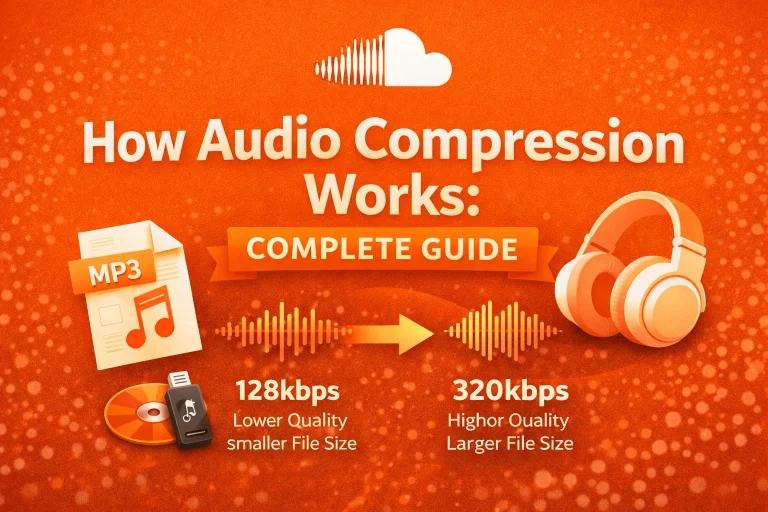
From my testing and research, AAC can deliver similar perceived quality at 30–50% lower bit rates compared to MP3. This efficiency explains its popularity in streaming.
Technical Capabilities of AAC
In my analysis, AAC supports a broad range of encoding settings. This flexibility allows it to work in music, podcasts, video streaming, and digital broadcasting.
| Feature | AAC Capability |
| Bit rate range | 8 kbps to 320 kbps |
| Channels supported | Mono, Stereo, up to 48 channels |
| Common file extensions | .aac, .m4a |
| Compression type | Lossy |
These capabilities show why AAC adapts well to both low-bandwidth and higher-quality environments.
How AAC Format Works
From my experience, AAC uses what is called lossy compression. If you want a deeper explanation of how this compression process works, you can read my complete guide on audio encoding. This means some audio data is removed to reduce the file size. The goal is to remove only sounds that are less noticeable to the human ear.
AAC uses advanced coding tools like perceptual noise shaping and temporal noise shaping. These techniques help preserve clarity and balance. In practical terms, I have noticed that a 128 kbps AAC file often sounds similar to a 192 kbps MP3 file.
This means I can keep file sizes smaller without losing too much quality.
AAC Profiles and Types
As I researched deeper, I learned that AAC includes different profiles. The most common one is AAC-LC, or Low Complexity. I often see this profile used in music streaming and mobile playback.
Another version is HE-AAC, which stands for High Efficiency AAC. It is designed for lower bit rates and online radio. HE-AAC can maintain stable quality even at 48–64 kbps, which is helpful for slower internet connection
Where AAC Is Commonly Used
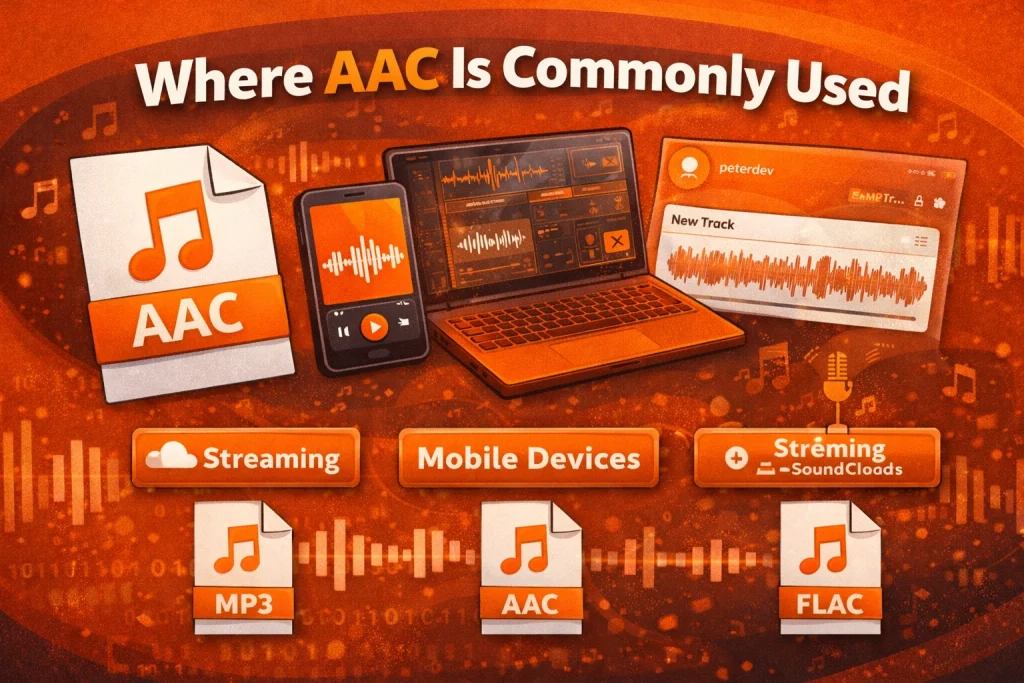
In my daily digital use, I encounter AAC in music streaming, podcasts, and online radio. It is also common in video platforms because it pairs efficiently with compressed video.
When I use platforms like SoundCloud, audio is optimized for smooth playback across devices. AAC is often part of that process.
Its wide adoption confirms that AAC is built for modern digital media.
Practical Use Case
When I upload a 4-minute WAV file at 44.1 kHz and 16-bit stereo, the file size can be around 40 MB. After encoding it into AAC at 128 kbps, it drops to about 3–4 MB.
This difference is huge. Smaller files load faster and reduce buffering, especially on slower networks. That is one reason why streaming services rely on AAC for everyday playback.
Smart Tips
When I export audio for streaming, I usually choose a bit rate between 128 kbps and 256 kbps. This gives me a good balance between size and sound quality. For voice recordings or podcasts, I often find 128 kbps sufficient.
I also avoid converting files repeatedly. Each conversion removes more data. I always keep an original uncompressed file, like a WAV, as a backup.
Closing Thoughts
From my experience, AAC format is a practical solution for modern audio streaming. It delivers clear sound while keeping file sizes manageable. That balance makes it ideal for music, podcasts, and video platforms.
As streaming continues to grow, efficient compression becomes more important. AAC remains a reliable choice because it combines clarity, speed, and storage efficiency. Understanding how it works has helped me make better decisions when exporting, uploading, and listening to digital audio.
Frequently Asked Questions (FAQs)
1. Is AAC format safe to use?
Yes. In my experience, AAC is a standardized format used worldwide. The format itself is safe for playback and storage.
2. Is AAC legal?
Yes. AAC is an established audio coding standard. Using AAC files within platform rules is permitted.
3. Does AAC work on mobile devices?
Yes. I have used AAC files on Android and iOS devices without issues. Most modern devices support it natively.
4. Why does AAC sometimes fail to play?
Playback usually fails if the file is corrupted. Very old devices may also lack proper codec support.
5. What are the alternatives to AAC?
Common alternatives include:
- MP3
- WAV
- FLAC
I choose the format depending on whether I need a smaller size, lossless quality, or compatibility.
6. Is AAC better than MP3?
In many listening situations, I find AAC clearer than MP3 at the same bit rate. That is one reason why many streaming platforms prefer it.