
What Is Lossy vs Lossless Audio? Complete Guide
I’m Peter, building apps by day and enjoying music by night. One of the first things I discovered while handling audio files is that not all formats preserve sound in the same way. Some keep every detail of the original recording, while others reduce certain elements to make the file smaller and easier to stream. That’s where the difference between lossy and lossless audio becomes important.
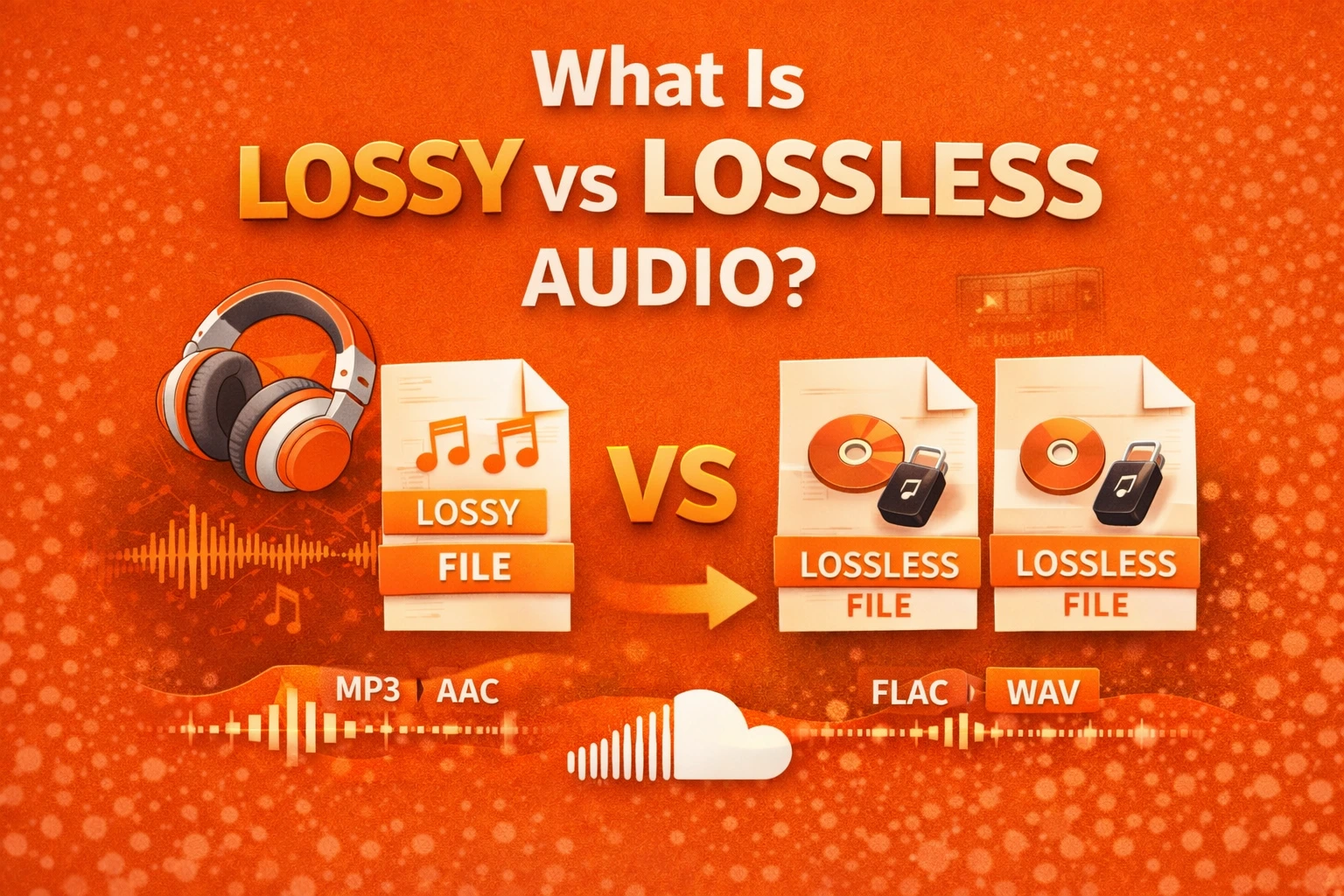
Lossy and lossless refer to two different compression methods. One removes some audio data to reduce file size, while the other keeps all original information intact. On platforms like SoundCloud, audio is typically compressed to ensure smooth streaming and efficient bandwidth use. Understanding how these formats work helps me decide which one to use for uploading tracks, streaming music, or archiving high-quality recordings. In this guide, I’ll break down both approaches clearly so you can choose what fits your needs best.
What Is Lossy Audio?
When I use lossy audio, I am choosing a format that permanently removes some sound data. It relies on a psychoacoustic model, which means it deletes sounds that most people cannot easily hear. The goal is to make the file much smaller.
I often see lossy formats like MP3 and AAC used for streaming. If you want a side-by-side technical breakdown, I created a full MP3 vs WAV vs FLAC comparison explaining how these formats differ. These formats depend on an audio codec to compress and decode sound efficiently. Most online platforms prefer lossy compression because it balances sound quality with fast loading speeds.
What Is Lossless Audio?
When I choose lossless audio, I keep all the original sound data. The file is compressed, but nothing is removed. When it is played back, it returns to the exact original recording.
I usually work with formats like FLAC, ALAC, or WAV when I want full quality. These formats often use PCM (Pulse Code Modulation), which stores raw audio samples. The files are larger, but they preserve every detail.
Why It Matters for Streaming and Uploading
When I upload or stream music, file size becomes important. Smaller files load faster and use less data. That is why lossy audio dominates most streaming platforms.
If I upload music to SoundCloud, the platform may process the file for smooth playback. Listeners using mobile data benefit from smaller files. Still, I prefer uploading a high-quality master because it usually produces better final streaming results. That is why choosing the best audio format for streaming becomes so important for creators.
How Audio Compression Works
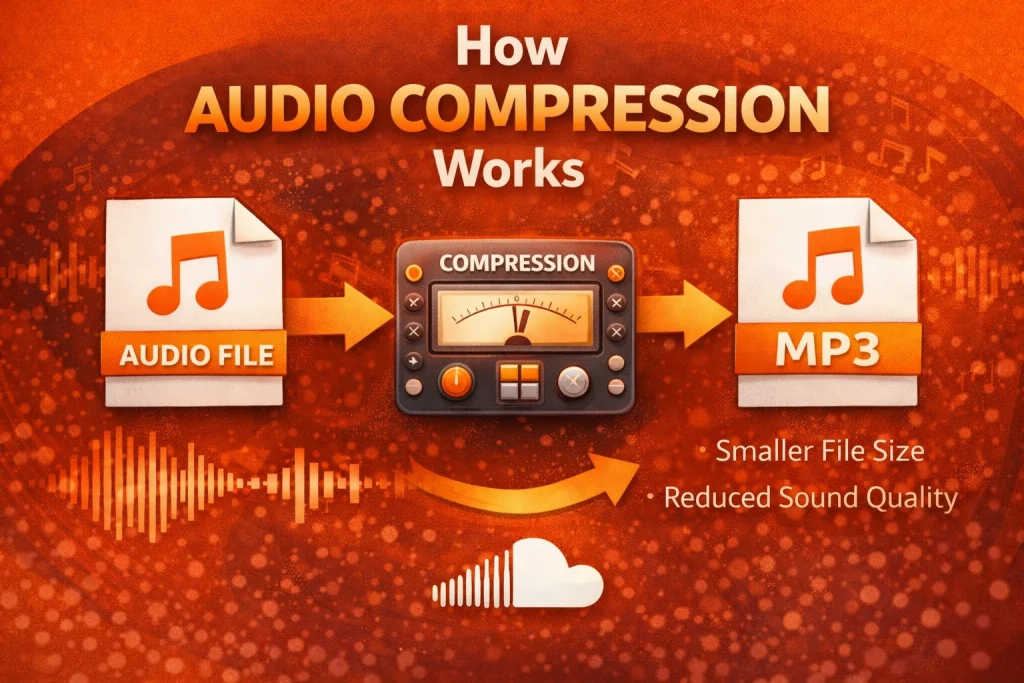
To understand lossy vs lossless audio, I first needed to understand digital sound basics. Audio is made of tiny measurements called samples. Standard CD-quality audio uses a 44.1 kHz sample rate and 16-bit depth. That produces about 1,411 kbps of data in stereo.
When I use lossy compression, the bitrate drops because selected data is removed. A 320 kbps MP3 keeps strong quality. A 128 kbps MP3 removes more detail.
Lossless compression works differently. It reduces file size without deleting data. In my experience, it usually shrinks CD-quality audio by around 40–60%, depending on the track.
Data Usage Comparison for Streaming
Over time, I noticed that streaming quality directly affects how much data I use. Higher bitrates consume more mobile data per hour.
| Audio Type | Approximate Data Used Per Hour |
| 128 kbps MP3 | ~60 MB |
| 320 kbps MP3 | ~150 MB |
| Lossless (CD Quality FLAC) | ~600–700 MB |
When I stream daily on mobile data, I choose high-bitrate lossy. When I am on Wi-Fi, lossless becomes more practical.
Technical Comparison Table
Here is how I compare lossy vs lossless audio:
| Format Type | Example Formats | Bitrate Range | File Size | Sound Quality |
| Lossy | MP3, AAC | 128–320 kbps | Small | Good to Very Good |
| Lossless | FLAC, ALAC, WAV | 700–1,411 kbps | Large | Original Quality |
Here are the key terms I focus on:
- Bitrate = how much data is processed per second
- Sample rate = how many times sound is measured per second
- Bit depth = how detailed each measurement is
Higher numbers usually mean better sound, but also larger files.
High-Resolution Audio (Hi-Res Audio)
As I learned more, I explored high-resolution audio. CD quality uses 16-bit depth and 44.1 kHz sample rate. Hi-Res audio often uses 24-bit depth and 96 kHz or even 192 kHz sample rates.
Bit depth affects dynamic range. A 16-bit file supports about 96 dB of dynamic range. A 24-bit file supports about 144 dB. This gives more detail between quiet and loud sounds.
However, Hi-Res files are very large. A 24-bit/96 kHz stereo file can exceed 4,600 kbps. Most streaming platforms focus on stable playback instead of extreme bitrates. In my daily listening, high-bitrate lossy or standard lossless is usually enough.
Case Study
When I upload a song to SoundCloud, I start with a high-quality file. Even if the platform optimizes it for streaming, a better source usually leads to better playback.
With basic earbuds, I often cannot hear a huge difference between 320 kbps MP3 and lossless audio. But on studio monitors or high-end headphones, I notice clearer detail and stronger depth.
Pros and Cons
When I choose lossy audio, I gain smaller file sizes and faster streaming. It saves storage and works well on mobile networks. The trade-off is permanent data removal.
When I choose lossless audio, I keep full sound quality. It works best for editing and long-term storage. The downside is higher storage use and more data consumption.
Recurring Problems
In my experience, many people assume lossless audio always sounds better. The truth is that playback equipment makes a big difference. Cheap speakers may hide improvements.
Storage can also become a problem. Large lossless libraries quickly fill up devices. Slow internet connections may cause buffering when streaming higher bitrates.
Final Thoughts
From my experience, lossy vs lossless audio is about making smart choices. Lossy formats give me speed and convenience. Lossless formats give me full detail and editing flexibility.
When I understand how compression works, I can choose the right format for each situation. For daily streaming, high-bitrate lossy works well. For archiving and professional use, lossless is the better option.
Frequently Asked Questions (FAQs)
1. Is lossy audio safe to use?
Yes. From my experience, lossy audio is safe for everyday listening and sharing. It simply reduces file size by removing selected data.
2. Is it legal to use lossy and lossless formats?
Yes. Both are standard digital audio formats used worldwide. They are supported by most software and devices.
3. Does lossless audio work on mobile phones?
Yes. Most modern smartphones support formats like FLAC and ALAC. I just need enough storage space for larger files.
4. Why does audio quality sometimes sound bad?
Low bitrate files, weak headphones, or unstable internet can reduce clarity. Streaming services may lower the bitrate to prevent buffering.
5. What are the alternatives to MP3?
AAC is a common lossy alternative. FLAC and ALAC are common lossless alternatives. I choose based on my quality and storage needs.
6. Which sounds better, lossy or lossless audio?
In controlled environments with good equipment, lossless audio sounds clearer to me. On basic earbuds, the difference is often small.
7. Does streaming convert lossless audio to lossy?
Many streaming services process uploaded files for efficient delivery. Even if I upload a lossless file, playback may be optimized for streaming speed. That is why I always start with the highest quality source.