 English
 Bahasa Indonesia
 Bahasa Melayu
 Cebuano
 Dansk
Dansk Deutsch
 Español
 Français
 Italiano
 Nederlands
 Română
 Tiếng Việt
 Türkçe
 Czech
Czech Ślōnskŏ gŏdka
 Татар теле
 Ukrainian
 العربية
 Thai
Thai Portugues
 Hindi
Hindi Greek
Greek Chinese
 Japanese
 Magyar
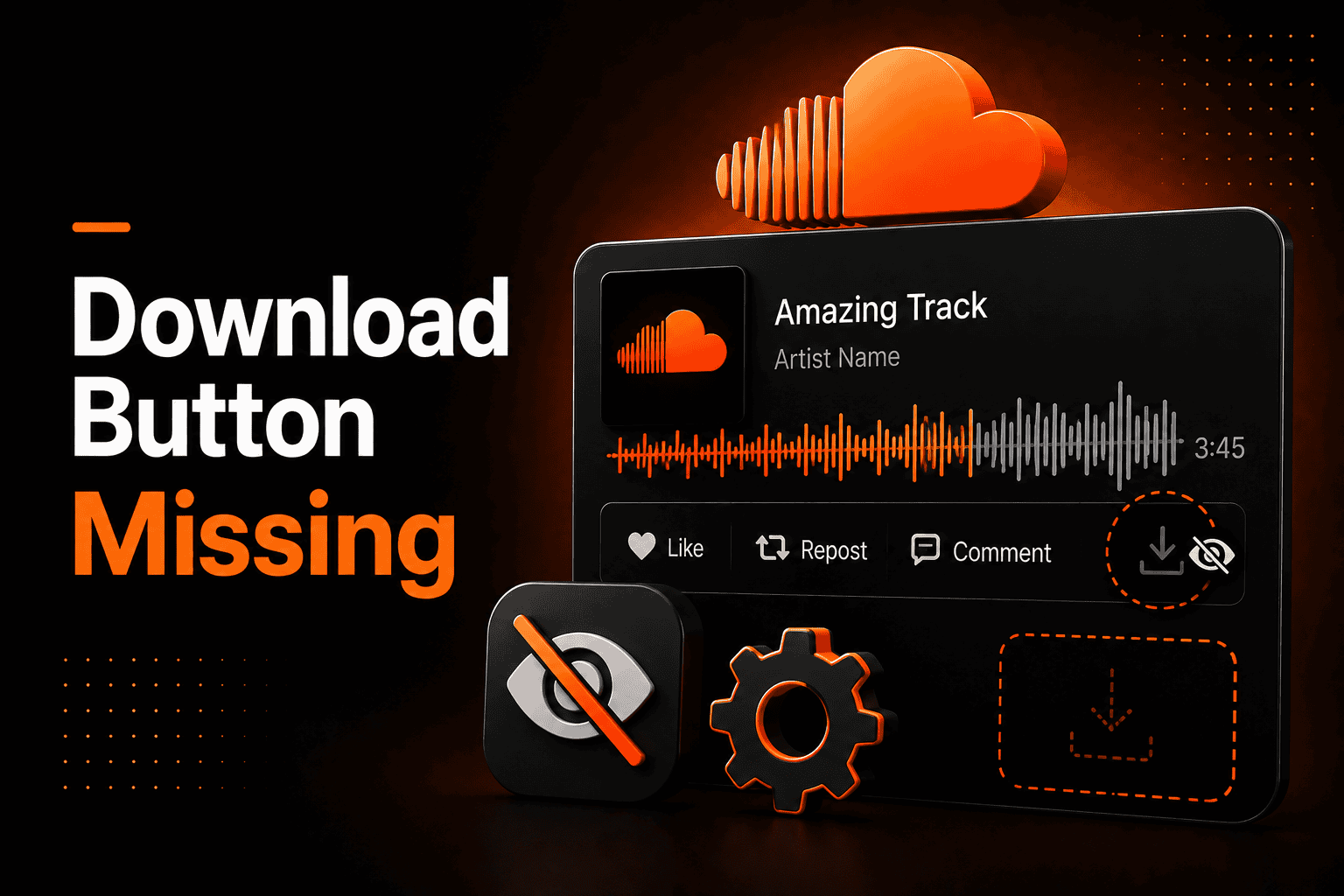
SoundCloud Download Button Not Showing? Fix It Fast
When the SoundCloud download button is not showing, I know how confusing that feels. I have faced this issue myself while trying to save a track for offline use. You find something you like, but there is no option to download it.
This article is for listeners, creators, and anyone who uses SoundCloud regularly. I will walk you through how the feature works, why it disappears, and what steps I recommend. My goal is to make this simple and clear.
From my experience, creators control this setting inside their track permissions. If downloads are turned off, the button will not appear. This is a platform-level setting, not a technical problem.
Not every track on SoundCloud is meant to be downloaded. Many are shared only for streaming.
Why It Matters
I have seen how the SoundCloud download button not showing can affect both listeners and artists. As a listener, I sometimes want offline access for convenience. As a creator, downloads can help grow an audience.
Most music streaming today happens on mobile devices. That is why SoundCloud focuses heavily on streaming features. Still, direct downloads remain useful for promotional or free tracks.
Understanding this system saves time and avoids frustration.
How It Works
When I upload a track as a creator, I can choose whether to enable downloads. This option is saved in the track’s permission settings.
Each time someone opens the track page, SoundCloud checks those permissions. If downloads are enabled, the button appears. If not, it stays hidden.
I also know that account type matters. Free accounts allow about 3 hours of total uploads, while paid plans increase that limit and provide more flexibility. If you are a creator trying to save your own uploads, here is how downloading your own SoundCloud tracks works.
How to Fix the SoundCloud Download Button Not Showing
When I notice the SoundCloud download button is not showing, I follow a simple process. First, I confirm that the creator has enabled downloads. Without that setting turned on, nothing else will work.
Next, I check the track on a desktop browser. In my experience, the download option is more visible there than in the mobile app. I also make sure I am logged into my account.
If the issue continues, I clear my browser cache. Old stored data can block updated settings from loading. I also disable browser extensions temporarily to see if they interfere.
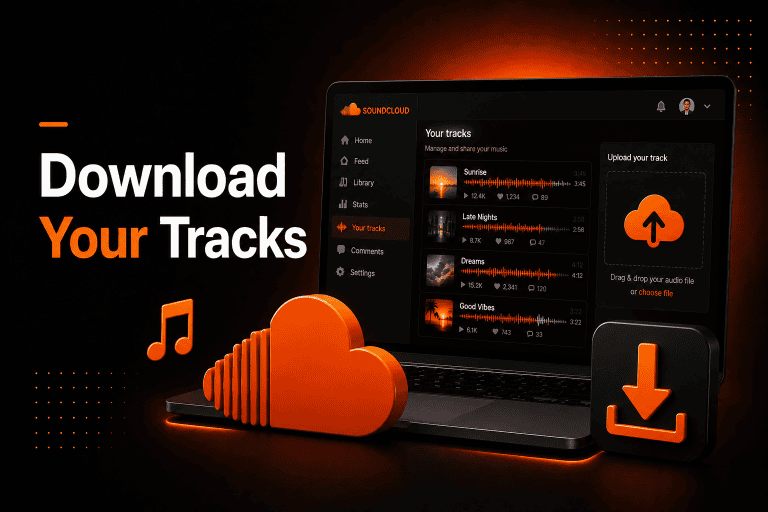
If I am uploading a track myself, I always review the permissions tab before publishing. Turning on “Enable downloads” solves the issue instantly.
Download vs Offline Listening
I have noticed that many users confuse direct downloads with offline listening. These two features are not the same.
A direct download saves the audio file to the device storage, often as an MP3 or WAV file. Offline listening, available through SoundCloud Go or Go+, saves tracks inside the app only.
Those offline tracks cannot be accessed as separate files. This misunderstanding is one of the main reasons people think the SoundCloud download option is missing.
Detailed Breakdown
Based on how SoundCloud operates, the platform uses server-side permission checks. When I open a track page, the system verifies the metadata attached to the file before showing the download button.
Streaming works differently from downloading. During streaming, audio data is buffered and stored temporarily as cache. These files are not permanent and are managed automatically.
A direct download creates a full audio file stored permanently on the device. Because this involves storage and distribution control, creators must actively allow it.
If a track is distributed through external services, download options may be automatically disabled depending on the release configuration. Some features appear differently depending on the device, which is why I compared the SoundCloud app vs web version.
Common Issues
From what I have observed, several reasons can cause the SoundCloud download button not to show.
- The creator has disabled downloads in the track settings.
- The track is opened in the mobile app, where downloads are limited.
- The track is private or restricted.
- The user is not logged into their account.
In most cases, it comes down to creator permissions rather than a system error. Also in many cases, the problem happens because downloads are disabled by the creator. I explain this in detail in my guide on why you can’t download from SoundCloud.
Additional Common Causes
In my experience, technical factors can also hide the download button.
Regional availability settings may restrict certain tracks. Browser compatibility can also affect how page elements load. I have seen older browsers fail to display interactive features correctly.
Sometimes, there are short server delays after changing permissions. Refreshing the page after a few minutes often resolves the issue.
Real-World Example
I once uploaded a track and forgot to enable downloads. Shortly after publishing, I received messages saying the SoundCloud download button was not showing.
When I checked the permissions, I realized the option was turned off. After enabling it, the button appeared immediately. That experience taught me to always double-check settings before publishing.
Best Practice Guidelines
Over time, I have developed a few habits to avoid issues with the SoundCloud download option:
- I always test the track on a desktop browser if the button seems missing.
- I stay logged into my SoundCloud account.
- If needed, I contact the creator directly for clarification.
If you are a creator, I strongly recommend reviewing permissions before making a track public. It prevents unnecessary confusion.
In Summary
From my experience, the SoundCloud download button not showing is rarely a system problem. It usually relates to creator permissions, device type, or account status. Once I understood the difference between streaming, offline listening, and direct downloads, most confusion disappeared.
By checking permissions, using desktop access, and reviewing account settings, I can solve the issue quickly. Knowing how SoundCloud manages downloads helps me use the platform more effectively as both a listener and a creator.
Frequently Asked Questions (FAQ)
1. Is it safe to download from SoundCloud?
In my experience, using the official SoundCloud download option is safe. It is part of the platform and controlled by the track owner. I avoid unknown third-party tools because they may not follow platform guidelines.
2. Is it allowed to download tracks?
Yes, but only when the creator enables downloads. If I do not see a download button, I understand that the track is meant for streaming only. I always follow platform usage rules.
3. Does it work on mobile?
Direct file downloads are limited in the mobile app. I usually switch to the desktop when I need to check for the download button. On mobile, I often see offline listening instead.
4. Why does the SoundCloud download button fail to appear?
From what I have seen, it is usually disabled by the creator. It can also happen if I am not logged in or if I am using the mobile app. Clearing the cache or refreshing the page sometimes helps.
5. Does SoundCloud Go allow direct downloads?
No, SoundCloud Go and Go+ provide offline listening inside the app. They do not create downloadable audio files outside the app.
6. Why is the download button greyed out?
A greyed-out button usually means downloads are disabled. When I encounter this, I refresh the page and confirm my login status.
7. What are the alternatives?
If direct downloads are not available, I simply stream the track on SoundCloud. Some creators also share download links on their official websites or social media pages.