
Why Can’t I Download from SoundCloud?
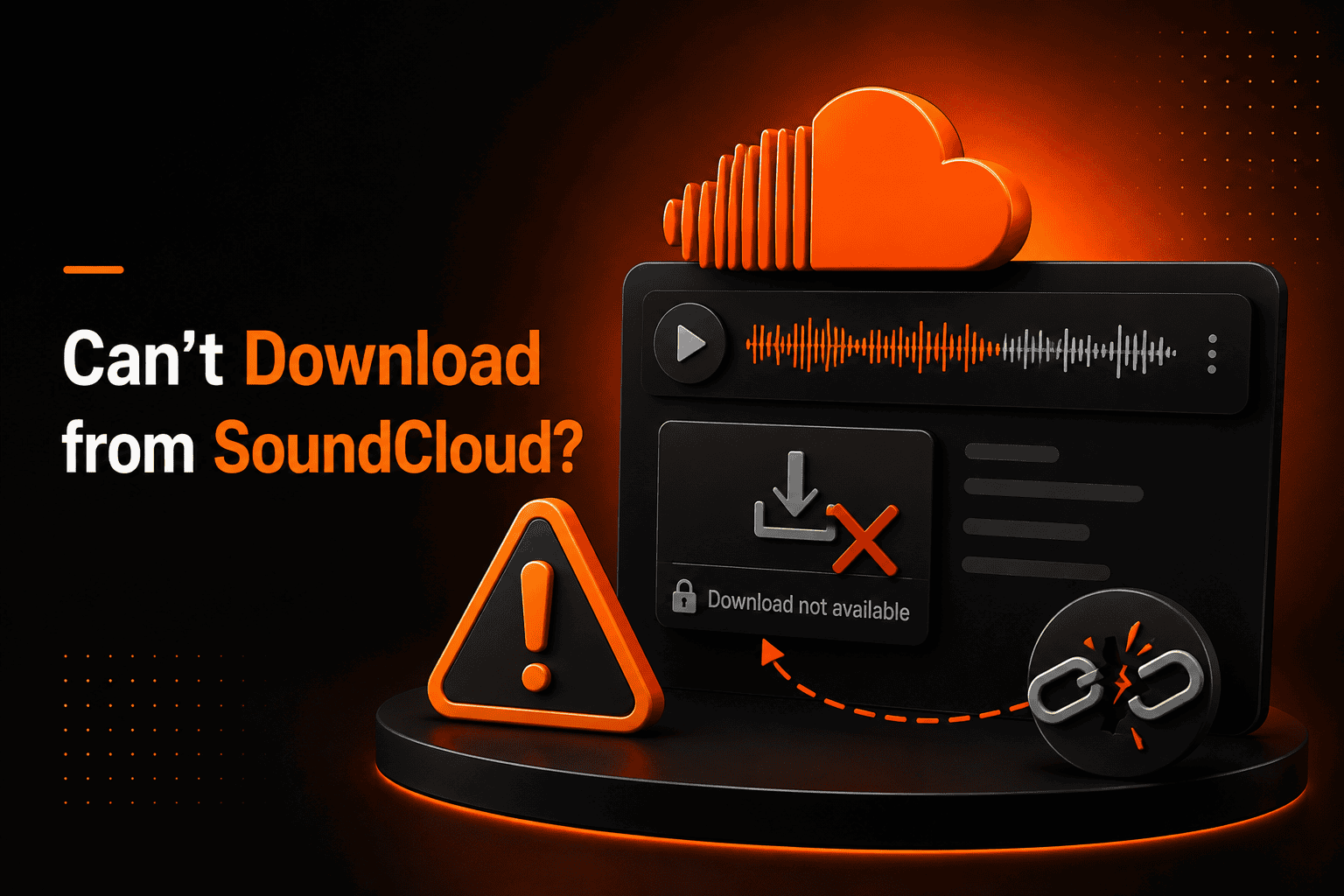
I often hear people ask, “Why can’t I download from SoundCloud?” When I use SoundCloud myself, I notice that some tracks have a download button while others do not. It can feel confusing, especially when I want to save music for offline listening.
This topic matters to me because downloading is very different from streaming. Not every track is meant to be saved as a file. I wrote this guide for listeners, creators, and anyone who wants a clear answer. I will explain how downloads work, why they sometimes fail, and what I usually check first.
Why Downloads Are Restricted
Over time, I learned that SoundCloud supports formats like WAV, AIFF, FLAC, and MP3. A five-minute WAV file can exceed 50 MB. Even though upload limits allow files up to 4GB, free accounts still have total upload time limits.
Streaming usually delivers audio at around 128 kbps AAC. But when I download a track, I might receive the original 320 kbps MP3 or even a WAV file. That creates a big difference in file size.
| Format | Bitrate | Approx. Size (5 min track) |
| 128 kbps AAC (stream) | 128 kbps | ~4.8 MB |
| 320 kbps MP3 (download) | 320 kbps | ~12 MB |
| WAV (uncompressed) | 1411 kbps | ~50 MB |
Here are simple definitions I use:
- Streaming: Playing audio without saving the full file.
- Bitrate: The amount of data used per second of sound.
- Offline access: Listening without an active internet connection.
Because downloads transfer full files, they use more bandwidth and storage. That is why creators often control this option.
Browser and App Troubleshooting
When SoundCloud is not downloading for me, I try basic fixes first.
I clear my browser cache and refresh the page. I updated the SoundCloud app to the latest version. Sometimes I disable browser extensions or switch to another device.
Small technical issues can hide the download button, even when it is available.
Regional Restrictions and Availability
There were times when I could stream a track but could not download it. Later, I learned that availability can depend on the region.
If a creator limits distribution to certain countries, the download option may not appear where I live. In that case, the platform hides the feature automatically.
How It Works
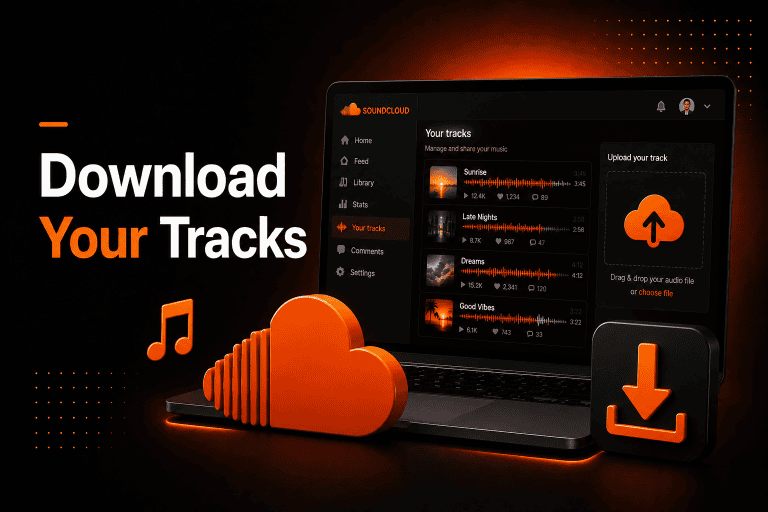
From my experience, when a creator uploads a track, they decide if downloads are allowed. If they enable downloads, SoundCloud stores the original file on its servers. When I click the button, the file transfers to my device. Creators who want backups can also learn how to download their own SoundCloud tracks.
If downloads are disabled, I can still stream the track. Streaming sends compressed audio data in real time. It does not give me a saved file on my system.
Here is how I understand the difference:
| Feature | Streaming | Downloading |
| Internet required | Yes | Yes (only during download) |
| File saved on device | No | Yes |
| Creator permission needed | No | Yes |
| Offline playback | Limited | Yes |
SoundCloud Go vs Direct Download
I used to confuse downloading with offline listening. On SoundCloud, these are two separate features.
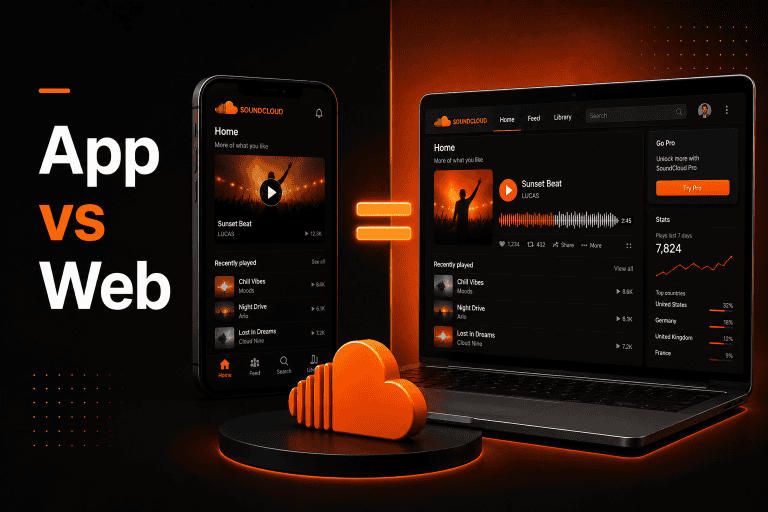
When I use direct download, I receive the actual audio file, such as MP3 or WAV. But when I use offline listening through SoundCloud Go or Go+, the track is saved only inside the app. I can listen without internet, but I do not get a regular audio file on my phone.
| Feature | Direct Download | Offline Listening (Go/Go+) |
| File saved as MP3 | Yes | No |
| Works without internet | Yes | Yes |
| Creator permission needed | Yes | No |
| Requires subscription | No | Yes |
Understanding this difference helped me stop expecting a download button when only offline listening is available. Many users instead choose to save SoundCloud songs offline through subscription features.
Common Problems
When I cannot download from SoundCloud, I usually check these things:
- The creator may not have enabled downloads.
- I might not be logged into my account.
- The track could be private or restricted.
- The download limit may have already been reached.
I have also seen cases where the button does not appear correctly on certain mobile browsers. In most situations, the issue is simple and related to settings. Sometimes the issue is simply that the SoundCloud download button is not showing.
Case study
I once discovered a new artist on SoundCloud and wanted to save their track. I checked under the waveform but saw no download button.
In that case, the creator had chosen streaming only. I could still follow the artist and listen anytime online. If they decide to enable downloads later, the button will appear automatically.
Pro Tips for Downloading
I always make sure I am logged into my account before checking for downloads. I also look under the waveform and inside the track description for official links.
If I only need offline listening, I use the app’s subscription features. This keeps everything within platform guidelines and avoids technical problems.
Final Thoughts
When I ask myself, “Why can’t I download from SoundCloud?” the answer is usually clear after checking the basics. It often comes down to creator settings, regional limits, or technical restrictions.
Once I understood the difference between streaming, offline listening, and direct downloads, the confusion stopped. Now I know exactly what to check when the download button is missing, and I can solve most issues quickly and safely.
Frequently Asked Questions
1. Is it safe to download from SoundCloud?
In my experience, yes, as long as I use the official download button on the platform. I avoid unknown third-party tools.
2. Is it allowed to download tracks?
I can download tracks when the creator enables it. I always follow the platform’s rules and respect the creator’s settings.
3. Does downloading work on mobile?
Yes, but I find the official app works better than some mobile browsers. Visibility of the button can vary by device.
4. Why does the download button disappear?
From what I have seen, the creator may disable downloads or set a maximum limit. Once that limit is reached, the button is removed automatically.
5. Why can’t I download from SoundCloud even after logging in?
In my experience, the track may be private, region-restricted, or limited by download count. Most often, the creator simply chose streaming only.
6. What are the alternatives?
If I cannot download, I stream the track online or use offline listening through subscription plans. These options give access without saving the full audio file.