
SoundCloud App vs Web Version: Which Is Better?
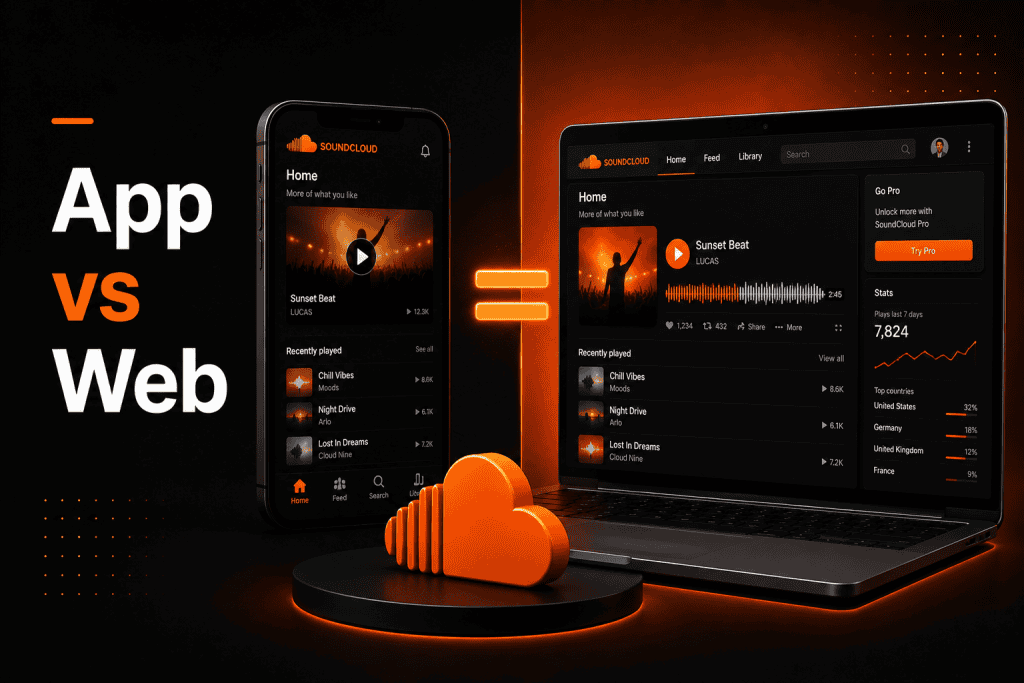
Music streaming has changed how I listen, upload, and share audio. One platform I often use is SoundCloud. Over time, I found myself comparing the SoundCloud app vs web version to see which one works better for different tasks. Both give access to tracks, playlists, and creators, but the experience feels slightly different.
This topic matters because the device I use affects how I stream and manage music. When I am outside, I rely on my phone. When I am working on uploads or editing details, I prefer my desktop. This guide is based on real usage and practical observation. I will explain the differences clearly so you can decide what works best for you.
What is the SoundCloud App and Web Version?
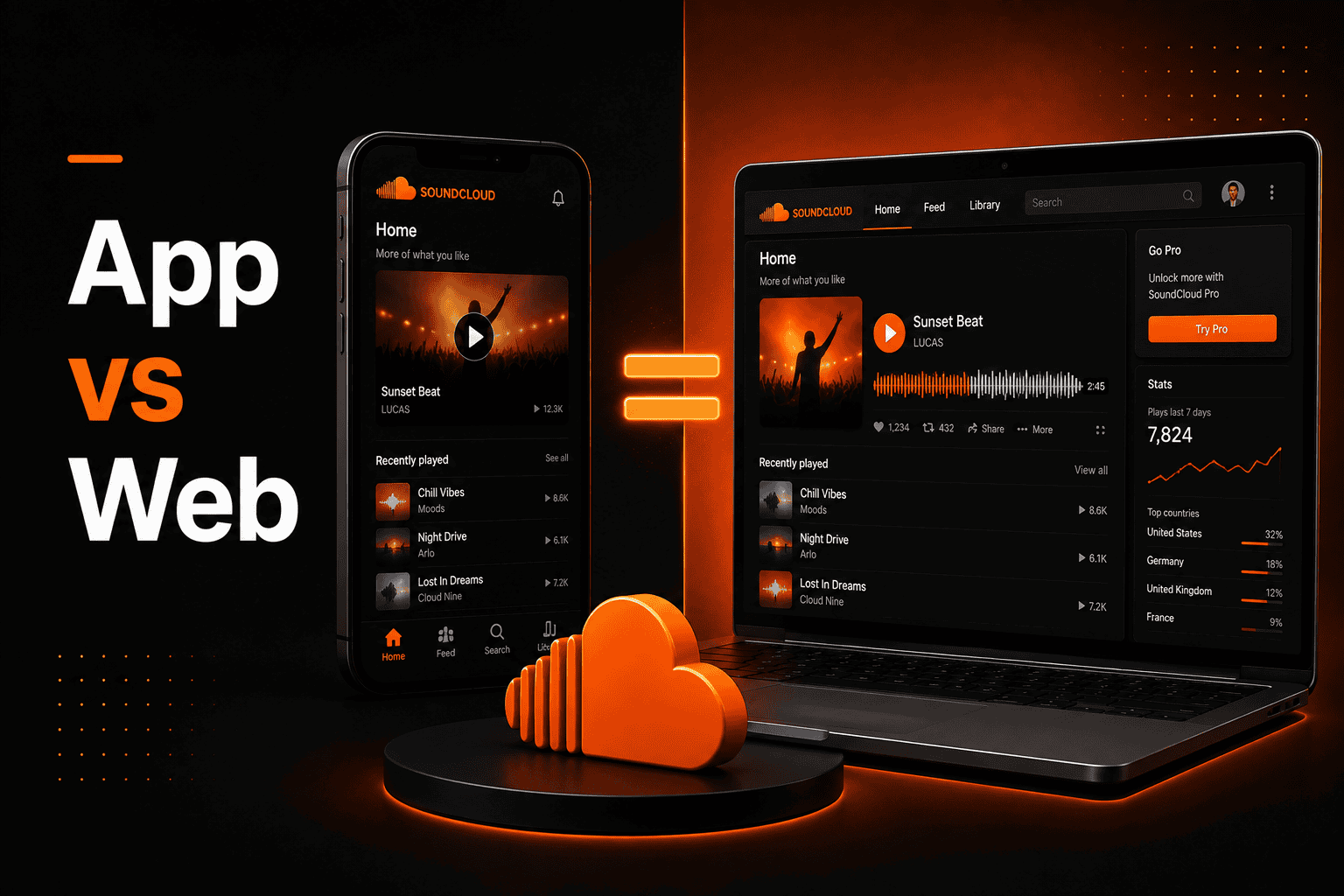
The SoundCloud app is designed for smartphones and tablets. I use it on Android and iOS devices when I want quick access to music. The interface is built for touch navigation and fast browsing.
The web version runs directly in a browser on my laptop or desktop. I do not need to install anything. The layout feels wider and gives me more room to manage tracks.
Both versions connect to the same account. When I like a song or upload a track, everything syncs automatically.
Technical Depth and Comparison
From my testing, SoundCloud streams compressed audio to reduce file size. Standard streaming quality is usually around 128 kbps MP3 for free users. Premium streaming can reach up to 256 kbps AAC, depending on the plan.
Here is how I see the main differences:
| Feature | App Version | Web Version |
| Access | Mobile devices | Desktop/laptop browsers |
| Installation | Required | Not required |
| Interface | Touch-based | Mouse and keyboard |
| Offline Listening | Available for premium users | Not supported |
| Push Notifications | Yes | Limited (browser-based) |
| Background Playback | Yes | Depends on the browser |
| Detailed Analytics | Basic view | Advanced dashboard |
| Metadata Editing | Limited | Full editing control |
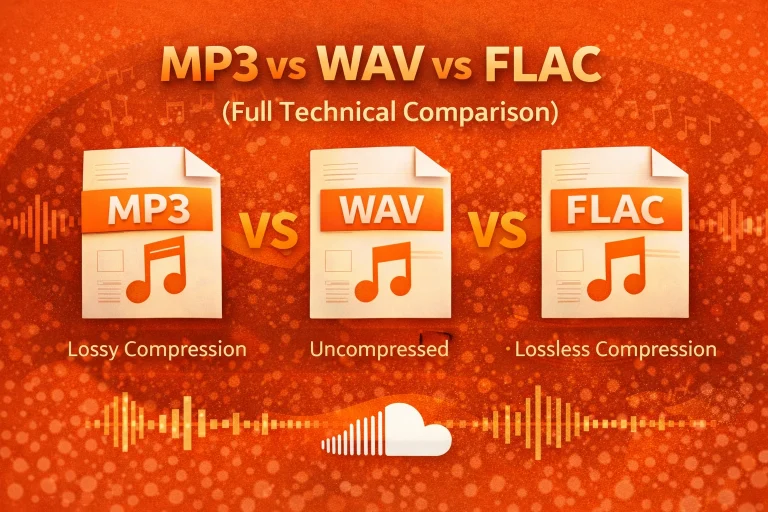
When I upload audio, I can use formats like MP3, WAV, FLAC, and AAC. After uploading, SoundCloud processes the file into optimized streaming versions.
The platform uses adaptive bitrate streaming. This means quality adjusts automatically based on connection speed. In my experience, a stable 3–5 Mbps connection is enough for smooth playback.
Because everything is stored in the cloud, my data syncs across devices in real time. Streaming quality also depends on compression and the best audio format for streaming.
Free vs Premium Experience
I have noticed that the experience changes depending on the subscription level. SoundCloud offers both free and paid options.
With a free account, I stream at standard quality and may hear ads. With a premium plan, I can access higher audio quality and offline listening inside the app. These differences are easier to notice on mobile devices.
For creators, premium plans unlock deeper analytics and extended upload limits. I find those tools easier to explore on the web version. Premium plans also allow features such as saving SoundCloud songs offline.
Browser and Device Compatibility
On desktop, I get the best results using updated browsers like Google Chrome, Mozilla Firefox, Microsoft Edge, or Safari. Keeping them updated improves playback stability.
On mobile, the app runs well on current Android and iOS versions. Older operating systems may show slower performance. I always keep my device updated to avoid issues.
Common Problems Where People Struggle
In my usage, buffering usually happens when my internet connection is weak. The app struggles more on unstable mobile data. The web version can slow down if I keep too many browser tabs open.
I have also faced login issues after long periods without updating the app. Updating the app or clearing the browser cache usually fixes the issue. In some cases, users also experience SoundCloud login issues when switching devices.
Sometimes features appear on one version before the other. This can create confusion, but updates normally balance things out.
Pros and Cons
| Platform | Pros | Cons |
|---|---|---|
| SoundCloud App | Easy access wherever you go | Smaller screen for editing |
| Push notifications for new releases | Limited advanced controls | |
| SoundCloud Web Version | Larger interface for detailed work | Not portable |
| Better control over track management | Performance depends on browser stability |
Real-Life Application
When I work on audio uploads from my home setup, I always choose the web version. The larger screen helps me review descriptions, tags, and playlists more carefully.
Later, when I am commuting or relaxing, I switch to the app. I check comments, explore new tracks, and stream music easily.
In my daily routine, I use both versions together instead of relying on just one.
In Summary
After using both versions regularly, I see that the SoundCloud app vs web version is not about which one is better. It is about which one fits the situation.
The app works best for mobility and quick listening. The web version gives me better control when managing content. By understanding the strengths of each, I can use SoundCloud more effectively and make the most of its features.
Frequently Asked Questions (FAQs)
1. Is SoundCloud safe to use?
Based on my experience, yes. It uses secure connections and account protection features. I always recommend using strong passwords and enabling security settings.
2. Is it legal to use SoundCloud?
Yes. It is a legitimate streaming and sharing platform. I simply follow platform guidelines when uploading or listening.
3. Does SoundCloud work on mobile?
Yes. I use the app on both Android and iOS. The web version can also open in mobile browsers if needed.
4. Why does SoundCloud sometimes fail to load?
In most cases, it is due to slow internet, outdated apps, or browser cache problems. Updating or clearing the cache usually solves it for me.
5. Can I upload music from both versions?
Yes, I can upload from both. However, I prefer the web version for detailed editing.
6. What are alternatives to SoundCloud?
Other platforms I have explored include Spotify and YouTube Music. Each platform has different features and subscription models.