
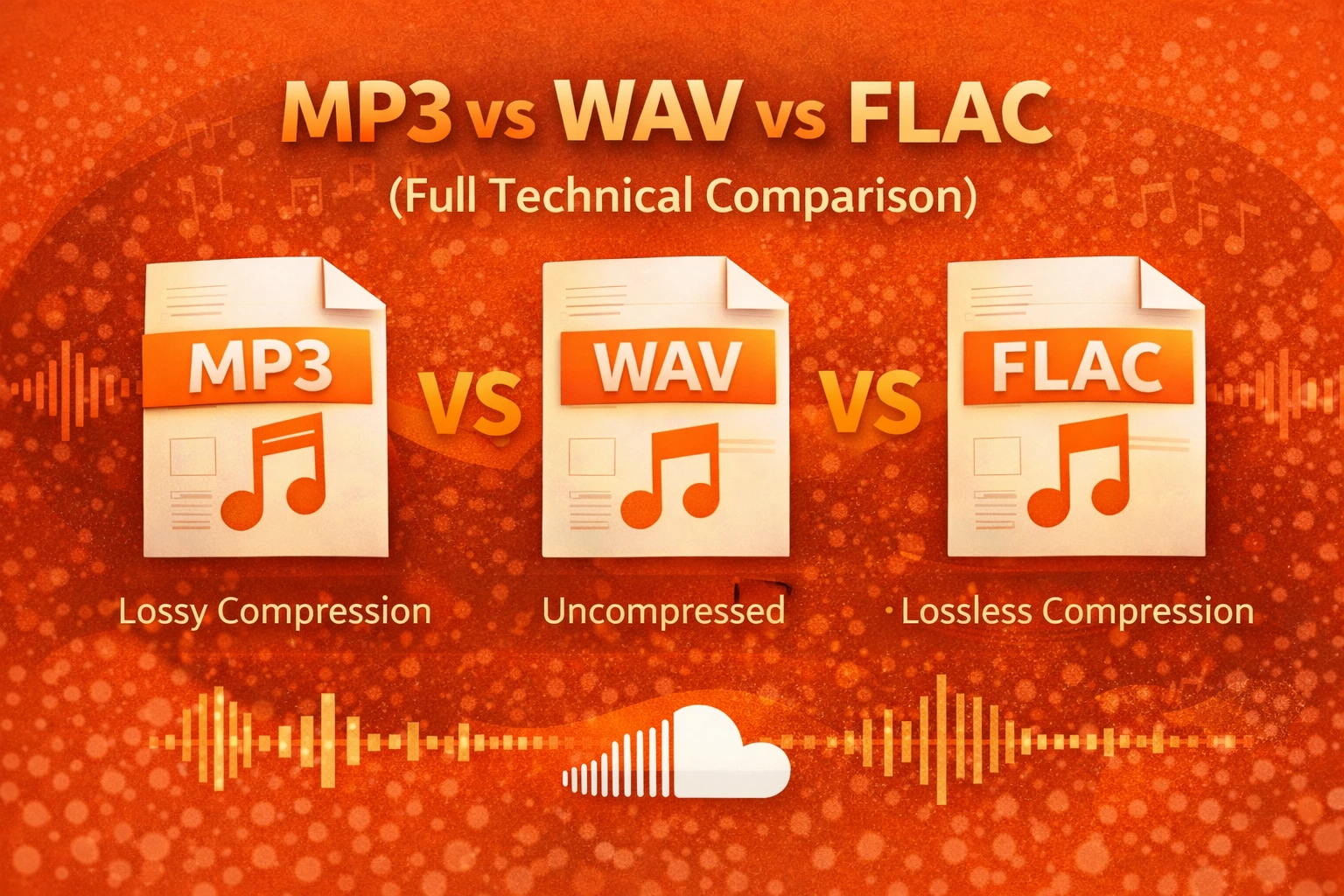
MP3 vs WAV vs FLAC (Full Technical Comparison)
In my workflow, I often choose between MP3, WAV, and FLAC. These are three of the most common audio formats used for storing, editing, and streaming music. While they may all play audio, they handle sound data very differently, which directly impacts quality, file size, and device compatibility.
Choosing the right format becomes especially important when uploading tracks to platforms like SoundCloud, preparing files for streaming, or editing recordings for production. A large WAV file may preserve every detail, but an MP3 might be more practical for online distribution. In this guide, I’ll break down the technical differences between MP3, WAV, and FLAC, explain how each format works, and share when I personally prefer one over the others depending on the situation.
What Is MP3?
MP3 is a compressed audio format that I use when I need small file sizes. It removes parts of sound that most people cannot easily hear. This makes the file much smaller than the original recording.
MP3 uses lossy compression. That means some audio data is permanently removed during encoding. I use it mainly when convenience and compatibility matter more than perfect quality.
What Is WAV?
WAV is an uncompressed audio format that stores raw sound data. When I record or edit music, I prefer WAV because it keeps the original signal intact. There is no data loss during saving.
WAV files usually store audio using PCM encoding. They are large because nothing is removed. In my workflow, I use WAV for recording, mixing, and mastering.
What Is FLAC?
FLAC is a compressed but lossless format. I use FLAC when I want high quality but also want to save storage space. It reduces file size without removing sound data.
When decoded, FLAC restores the full original quality. For archiving my music collection, I often prefer FLAC because it balances quality and storage efficiency.
How It Works
Digital audio is made of samples. In most of my projects, I work with a 44.1 kHz sample rate and 16-bit depth, which equals 1,411 kbps in raw stereo quality.
When I export as MP3, the bitrate may drop to 128 kbps or 320 kbps. WAV keeps the full 1,411 kbps. FLAC usually compresses that down to around 700–1,000 kbps without deleting any sound information.
Lossy compression removes less noticeable sounds. Lossless compression reorganizes data more efficiently but keeps everything. Understanding this helps me choose the right format for each task.
Dynamic Range and Audio Detail
Dynamic range is the difference between the quietest and loudest parts of a recording. When I work in WAV or FLAC, I keep the full dynamic range intact. This preserves subtle background details and strong peaks.
MP3 uses a psychoacoustic model to remove sounds that are harder for the ear to detect. While this saves space, I sometimes notice reduced detail in complex mixes. For critical listening, I avoid low-bitrate MP3 files.
Long-Term Storage Impact
As my music library grows, storage becomes a serious factor. If I store 1,000 songs in WAV format, I may need around 30–35 GB of space. The same collection in MP3 at 320 kbps would only take about 7–8 GB.
If I choose FLAC, the storage would usually be around 15–20 GB. For long-term archiving, I prefer FLAC because it saves space without sacrificing quality.
Comparison Table
Here is how I compare them in practical terms:
| MP3 | Lossy | 128–320 kbps | 3–8 MB | Medium to High |
| WAV | None (PCM) | 1,411 kbps | 30–35 MB | Very High |
| FLAC | Lossless | 700–1,000 kbps | 15–20 MB | Very High |
If you are unsure about these compression types, I break down lossy vs lossless audio in detail in another guide.
Definitions I rely on:
- Bitrate: The amount of audio data processed per second (kbps).
- Sample Rate: The number of samples captured each second (Hz).
- Bit Depth: The detail level stored in each sample.
Higher bitrate generally means better sound, but also larger files. I also explain 128kbps vs 320kbps audio quality in a separate article.
Codec vs Container (Important Technical Difference)
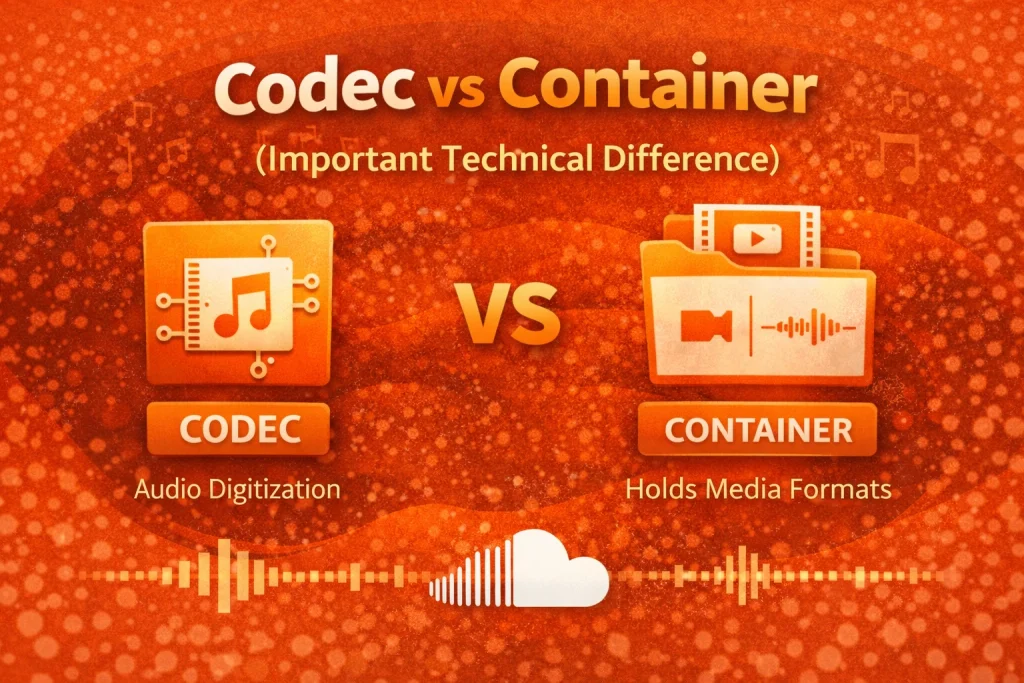
From a technical standpoint, MP3 and FLAC are codecs. A codec compresses and decompresses audio using a defined algorithm.
WAV is mainly a container format. It usually stores uncompressed PCM audio, but it can hold other formats inside it. In professional environments, I treat WAV as a flexible container for high-quality audio.
Pros and Cons
Here’s your structured comparison table:
| Format | Pros | Cons |
|---|---|---|
| MP3 | Small file sizeWorks on almost all devices | Some sound quality lossNot ideal for professional editing |
| WAV | Full original qualityBest for recording and editing | Very large file sizeRequires more storage space |
| FLAC | High quality without data lossSmaller than WAV | Not supported on some older devicesLarger than MP3 |
Best Format by Use Case
Here’s your clean, single table:
| Use Case | Recommended Format |
|---|---|
| Music production | WAV |
| Archiving music collection | FLAC |
| Uploading to SoundCloud | WAV or FLAC |
| Sharing via messaging apps | MP3 |
| Limited phone storage | MP3 |
When I choose a format, I focus on the goal first. Quality, storage, and compatibility each matter in different situations. For streaming platforms, I recommend reading my guide on the best format for streaming music.
Pro Tips
I always keep my master recording in WAV format. This protects the highest-quality version of my work. From that master file, I can create MP3 or FLAC copies anytime.
If I plan to stream or upload, I use at least 320 kbps MP3 or FLAC for better clarity. I avoid very low bitrates like 128 kbps unless storage is extremely limited.
Wrapping Up
In my workflow, MP3, WAV, and FLAC each have a clear role. MP3 saves space and works almost everywhere. WAV preserves full detail and is best for recording and editing. FLAC offers high quality with better storage efficiency.
When I upload to SoundCloud or manage my music library, I choose based on purpose. I keep my master files in WAV, archive in FLAC, and share in MP3 when needed. Choosing the right format helps me protect sound quality while managing storage wisely.
Frequently Asked Questions (FAQs)
1. Is MP3, WAV, or FLAC safe to use?
Yes. In my experience, these are standard audio formats used worldwide. They are safe when obtained from trusted sources.
2. Is it legal to use these formats?
Yes. These are standard digital file types. The legality depends on how the audio content is created and shared, not the format itself.
3. Do these formats work on mobile phones?
MP3 works on almost all phones. WAV works on most smartphones. FLAC works on many modern Android devices, but older devices may not support it.
4. Why does audio quality sometimes drop after uploading?
I have noticed that streaming platforms often re-encode files. If I upload a low-quality MP3, it may lose more detail during processing. Uploading higher-quality files helps maintain better sound.
5. Which format is best for SoundCloud?
Based on my experience, WAV or high-quality FLAC works best. Since SoundCloud processes audio for streaming, starting with a higher-quality file gives better results.
6. Can I convert between MP3, WAV, and FLAC?
Yes, I regularly convert between them using audio software. However, converting from MP3 to WAV does not restore audio data that was already removed.
7. Which format is best for long-term storage?
For long-term storage, I prefer FLAC. It keeps full audio quality but uses less space than WAV. MP3 is not ideal for archiving because lost data cannot be recovered later.