 English
 Bahasa Indonesia
 Bahasa Melayu
 Cebuano
 Dansk
Dansk Deutsch
 Español
 Français
 Italiano
 Nederlands
 Română
 Tiếng Việt
 Türkçe
 Czech
Czech Ślōnskŏ gŏdka
 Татар теле
 Ukrainian
 العربية
 Thai
Thai Portugues
 Hindi
Hindi Greek
Greek Chinese
 Japanese
 Magyar
Best Audio Format for Mobile Devices
I’m Peter, a developer with a strong interest in digital audio and how it performs across mobile platforms. When selecting the best audio format for mobile devices, I prioritize sound quality, storage space, and seamless playback. An audio format is simply the file type that stores sound, such as MP3 or AAC. Over time, I’ve learned that the format I pick directly affects clarity, file size, and even how fast a track loads on my phone.
This topic matters because I do most of my listening on a smartphone. Whether I am streaming music, uploading podcasts, or testing tracks on platforms like SoundCloud, the right format improves performance. I wrote this guide for students, creators, and everyday listeners who want clear audio without wasting storage.
From my experience, the best audio format for mobile devices depends on the goal. Some formats reduce file size, while others keep greater sound detail. I usually weigh quality, compatibility, and storage before making a decision.
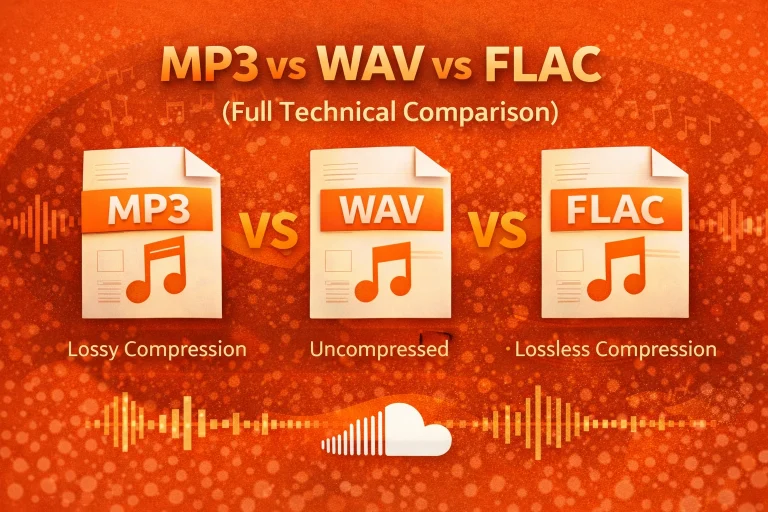
There are two main types of formats: lossy and lossless. Lossy formats remove some audio data to make files smaller. Lossless formats keep almost all the original sound information but create larger files.
Why Choosing the Best Audio Format Matters
My phone has limited storage and battery capacity. Large files fill up space quickly and can require more processing power. Smaller files load faster and are easier to manage.
If I upload music or podcasts, I know that the format I choose impacts the listener’s experience. Clear sound keeps people engaged. Poor quality can reduce listening time.
Audio Formats
MP3
I still use MP3 because it works almost everywhere. It is one of the most widely supported audio formats on smartphones and apps. Because of its small size, it remains practical for mobile storage. You can also explore how MP3 compression works in my full guide on what MP3 is and how it works.
Pros:
- Small file size
- Universal compatibility
Cons:
- Lower sound quality compared to newer formats
AAC (Advanced Audio Coding)
I prefer AAC for most mobile listening, and I explain the full details in my guide on the AAC audio format. It usually delivers better sound quality than MP3 at similar bitrates. Many smartphones use AAC as a default compressed format.
Pros:
- Better quality at a similar file size
- Efficient for streaming
Cons:
- Slightly less universal than MP3
WAV
I use WAV when I need full audio detail. It is a lossless format that does not remove sound data. However, I avoid using it for daily listening because the files are very large.
A three-minute CD-quality WAV file is about 30–40 MB. For editing and mastering, it works well. For regular mobile playback, it feels heavy.
FLAC (Free Lossless Audio Codec)
When I want high-quality audio without extremely large files, I use FLAC. It is a lossless format that compresses more efficiently than WAV. Unlike MP3 or AAC, it does not permanently remove audio data.
A three-minute FLAC file usually ranges between 15 and 25 MB. I have noticed that many Android devices support FLAC directly. On some older iPhones, compatible apps may be required.
Technical Comparison of Audio Formats
Below is a simplified comparison table I use when deciding:
| Format | Type | Avg Bitrate | File Size (3-min song) | Mobile Friendly |
| MP3 | Lossy | 128–320 kbps | 3–7 MB | Yes |
| AAC | Lossy | 128–256 kbps | 3–6 MB | Yes |
| WAV | Lossless | 1411 kbps | 30–40 MB | Limited |
| FLAC | Lossless | 700–1000 kbps | 15–25 MB | Yes (Mostly Android) |
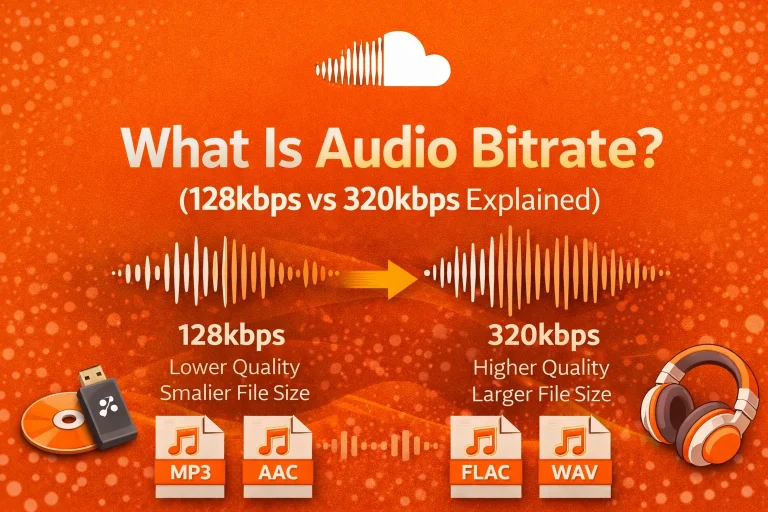
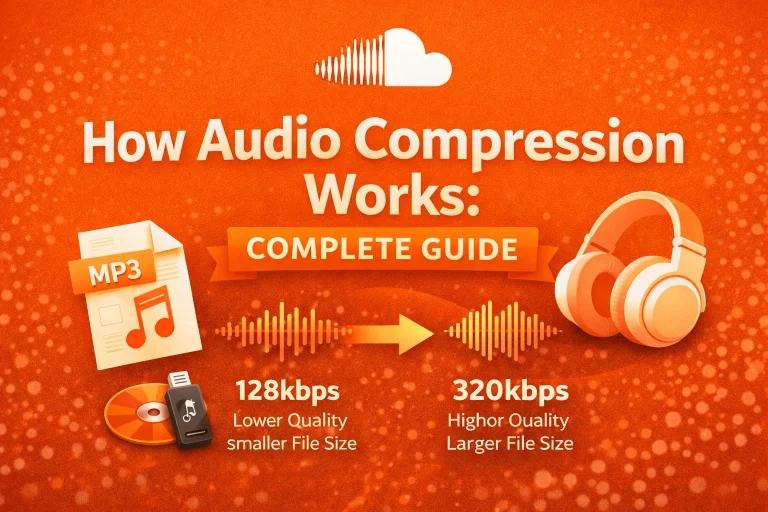
Bitrate measures how much data is processed per second, expressed in kilobits per second (kbps). From my testing, a 128 kbps MP3 can reduce file size by nearly 90% compared to CD-quality WAV audio. Choosing the right bitrate matters, which I explain in my guide on 128kbps vs 320kbps audio quality.
Sample rate refers to how many times per second sound is captured. CD-quality uses 44.1 kHz, meaning 44,100 samples per second. For most smartphones, I find that 44.1 kHz with 192 kbps AAC gives a strong balance between clarity and storage efficiency.
Best Audio Format by Use Case
I do not believe one format fits every need. Instead, I match the format to the situation.
| Use Case | Recommended Format | Reason |
| Music Streaming | AAC | Good balance of quality and size |
| Universal Sharing | MP3 | Works on almost all devices |
| Audio Editing | WAV | Full sound detail |
| High-Quality Android Listening | FLAC | Lossless with smaller size than WAV |
| Podcast Uploads | AAC (192 kbps) | Clear voice and efficient streaming |
When uploading to SoundCloud, I often keep a WAV master file. However, for smoother mobile streaming, I choose AAC at 192 kbps. For platform-focused recommendations, I also discuss the best audio format for streaming.
How Audio Formats Work on Mobile Devices
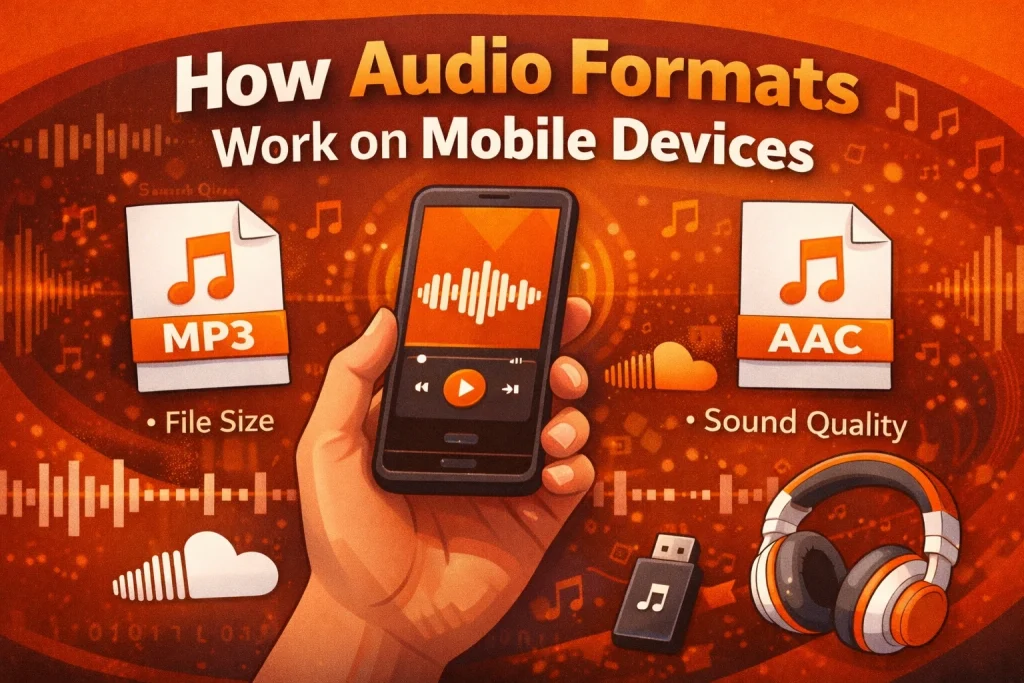
When I play a song on my phone, the device decodes the file in real time. The format determines how quickly the phone processes that audio. It also affects streaming speed and storage usage.
I’ve noticed that compressed formats work better for everyday listening. Streaming services, including SoundCloud, optimize files to balance quality and performance. As a result, playback is smoother on mobile data networks.
Mobile Platform Compatibility
In my experience, mobile operating systems handle formats differently. iPhones commonly rely on AAC for compressed audio. Android devices widely support MP3, AAC, and FLAC.
Because of this cross-platform support, I often recommend AAC as the best audio format for mobile devices when quality and compatibility both matter.
Real-World Example
When I upload a podcast episode, I test different formats first. If I use WAV, the upload takes longer, and the file size is much larger. Users with slower internet may face buffering.
When I switch to AAC at 192 kbps, the file stays clear but loads faster. This improves playback for listeners using mobile devices.
Pro Tips
First, I match the format to my purpose. I use WAV or FLAC for editing and archiving. I use AAC or MP3 for publishing and streaming.
Second, I select a balanced bitrate. For music and podcasts, 192 kbps AAC works well on most smartphones.
Third, I always test playback on different devices before sharing files publicly.
Conclusion
Based on my testing and experience, the best audio format for mobile devices depends on your goal. If I want balance, I choose AAC. If I need universal compatibility, I use MP3.
For creators and listeners using platforms like SoundCloud, selecting the right format improves speed, clarity, and storage efficiency. When I understand bitrate, compression, and file size, I make better decisions. Small technical choices can create a noticeably better mobile listening experience.
Frequently Asked Questions (FAQ)
Is using MP3 or AAC safe on mobile devices?
Yes. In my experience, these formats are standard and widely supported. They do not harm devices when obtained from reliable sources.
Is it legal to use different audio formats?
Yes. Audio formats are technical file structures. The legality depends on how the audio content itself is used.
Does AAC work on all smartphones?
Most modern Android and iOS devices support AAC. I rarely encounter compatibility problems with this format.
Why does my audio file not play on my phone?
The format may not be supported by your device. It could also be due to file corruption or an incomplete download.
Which audio format is best for SoundCloud uploads?
For uploads to SoundCloud, I usually keep a WAV file for mastering quality. However, for efficient mobile streaming, AAC at 192 kbps performs very well.
Why can large audio files affect battery life?
Large or lossless files require more data processing and storage access. On some devices, this may slightly increase battery usage.