
How Audio Compression Works: Complete Guide
Hello, I’m Peter, a software developer and music enthusiast. One of the first challenges I noticed when handling raw recordings is just how large uncompressed audio files can be. That’s where audio compression becomes essential. It’s the process that reduces file size by reorganizing or selectively removing audio data, making files easier to store, upload, and stream without significantly harming the listening experience.
Audio compression plays a critical role on platforms like SoundCloud, where fast uploads and smooth streaming depend on efficient file sizes. Whether I’m preparing a track for upload, publishing a podcast episode, or optimizing audio for online performance, understanding compression helps me maintain the right balance between quality and efficiency. In this guide, I’ll explain how audio compression works, why it matters in modern streaming, and how I apply it in real-world projects.
What Is Audio Compression?
I define audio compression as a technique that reduces the size of digital audio files. It keeps the sound usable while removing unnecessary data. In my experience, the goal is always to balance quality and file size.
There are two main types of audio compression:
- Lossy compression – removes some sound data permanently to shrink the file.
- Lossless compression – keeps all original data but reduces file size through smart encoding.
I often use formats like MP3 or AAC for sharing and streaming. For archiving, I prefer lossless formats such as FLAC or ALAC.
How It Works
Audio files are built from digital samples. Each sample represents a tiny measurement of a sound wave. A common standard I work with is 44,100 samples per second, also called 44.1 kHz.
When I export a file using lossy compression, the system removes sounds that most people cannot clearly hear. Very high frequencies or faint background tones may be reduced. The algorithm studies patterns in the audio and keeps the most important information.
Modern lossy compression uses a psychoacoustic model. This model is based on how we hear sound as humans. Our hearing range is usually between 20 Hz and 20,000 Hz.
It also uses masking. I have seen how louder sounds can hide softer sounds that play at the same time. Compression tools remove those hidden sounds because most listeners do not notice them. This keeps the file smaller while maintaining perceived quality.
Lossless compression works differently. It searches for repeating patterns in the data and compresses them, similar to how ZIP files work. When I decompress the file, it returns to its original quality.
Data and Comparison
To fully understand audio compression, I focus on a few key terms.
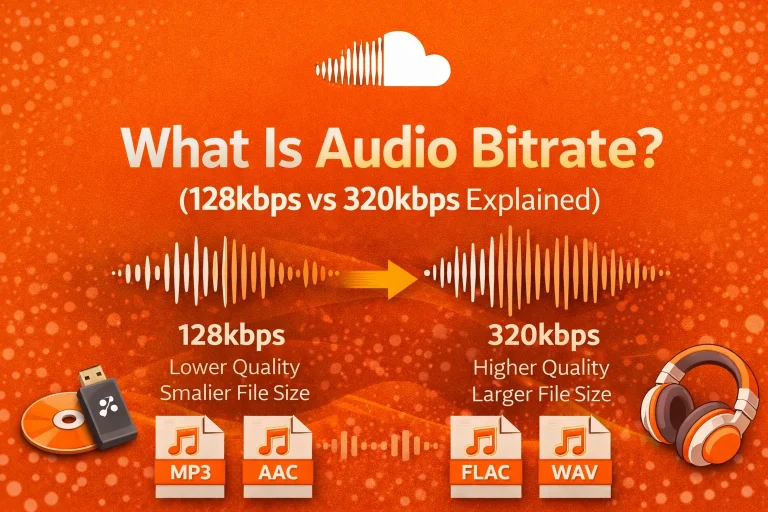
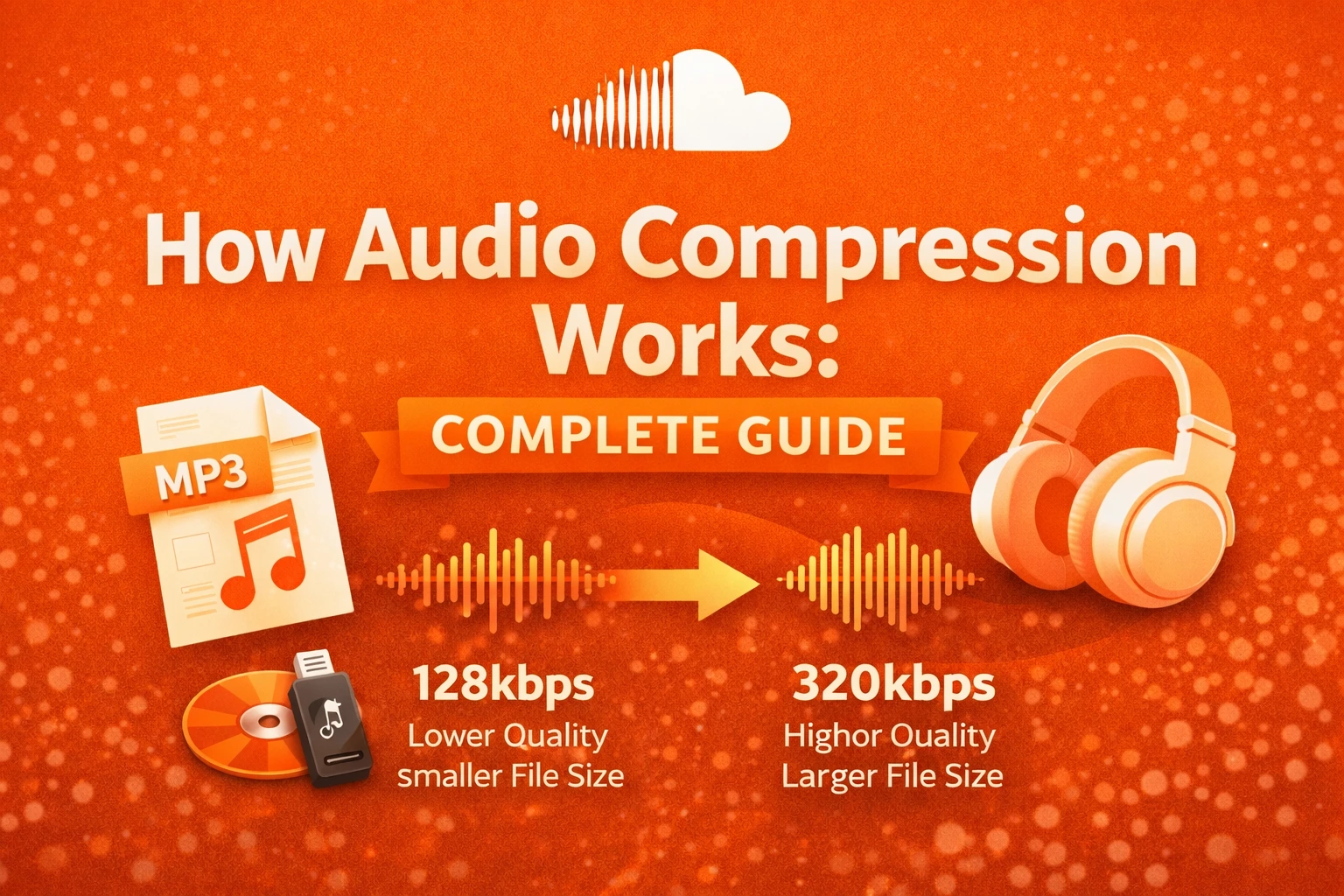
Bitrate refers to how much data is processed each second. It is measured in kilobits per second (kbps). Higher bitrate usually means better sound quality and a larger file.
Sample rate tells me how many times per second the audio is measured. CD-quality audio uses 44.1 kHz. Higher sample rates increase file size.
Here is a simple comparison I often reference:
| Format | Type | Average Bitrate | File Size (3 min song) | Quality Level |
|---|---|---|---|---|
| MP3 (128 kbps) | Lossy | 128 kbps | ~3 MB | Good |
| MP3 (320 kbps) | Lossy | 320 kbps | ~7–8 MB | Very Good |
| FLAC | Lossless | 700–1,000 kbps | ~20–25 MB | Excellent |
| WAV | Uncompressed | 1,411 kbps | ~30–40 MB | Original |
This table shows why I choose compression carefully, depending on storage limits and sound expectations. This compression stage is part of the broader audio encoding process.
Difference Between File Compression and Dynamic Compression
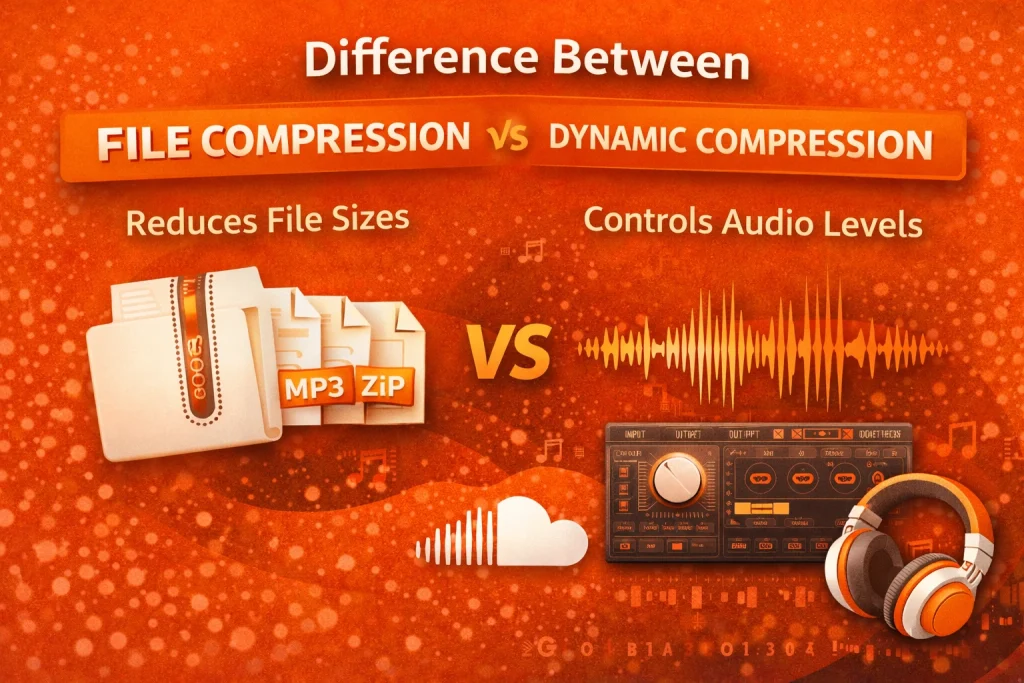
Over time, I learned that audio compression can mean two different things. The first type reduces file size for storage and streaming. This is the type I use when exporting MP3, AAC, or FLAC files.
The second type is dynamic range compression. I use this during mixing to control the difference between loud and soft sounds. It helps vocals stand out and keeps music balanced. This type does not reduce file size. Instead, it adjusts loudness levels within the track.
Understanding this difference has helped me avoid confusion when working with audio tools or reading platform guidelines.
Practical Example
Let me share a practical example. If I record a 10-minute podcast in WAV format, the file may reach around 100 MB. Uploading a file that large can take time.
When I convert it to MP3 at 192 kbps, the size may drop to about 14 MB. This makes uploading faster and streaming smoother on platforms like SoundCloud. Listeners can press play without waiting for long load times. Choosing the right compression settings directly impacts the best streaming audio format for platforms like SoundCloud.
Advanced Tips
These are the practices I personally follow:
- I use 128–192 kbps for normal streaming projects.
- I keep a lossless copy like FLAC or WAV for backup and editing.
I avoid converting the same file many times. I also test my audio on headphones and speakers before publishing it online.
In Summary
Through my experience working with digital audio, I have learned that audio compression is essential for modern streaming. It reduces file size while keeping acceptable sound quality. Platforms such as SoundCloud rely on compression to deliver music and podcasts efficiently.
By understanding bitrate, sample rate, psychoacoustic modeling, and compression types, I can make smarter decisions when exporting audio. The right compression settings improve performance without harming the listening experience
FAQs
Is audio compression safe?
Yes, in my experience, audio compression is safe when using trusted software. It only changes how digital sound data is stored. It does not damage devices.
Is audio compression legal?
Yes, audio compression is a standard technical process used worldwide in production and streaming. I use it regularly in professional workflows.
Does audio compression work on mobile devices?
Yes, it works very well on smartphones. In fact, compressed formats are ideal for saving storage and mobile data.
Why does audio compression sometimes fail?
Failures usually happen because of corrupted files or unsupported formats. Extremely low bitrates can also result in poor sound quality.
What are the alternatives to compression?
The main alternative I use is uncompressed WAV. However, these files are much larger and not ideal for streaming.
Which format is best for streaming platforms?
For most streaming platforms, I prefer MP3 or AAC between 128 and 192 kbps. This range gives a good balance between clarity and file size.